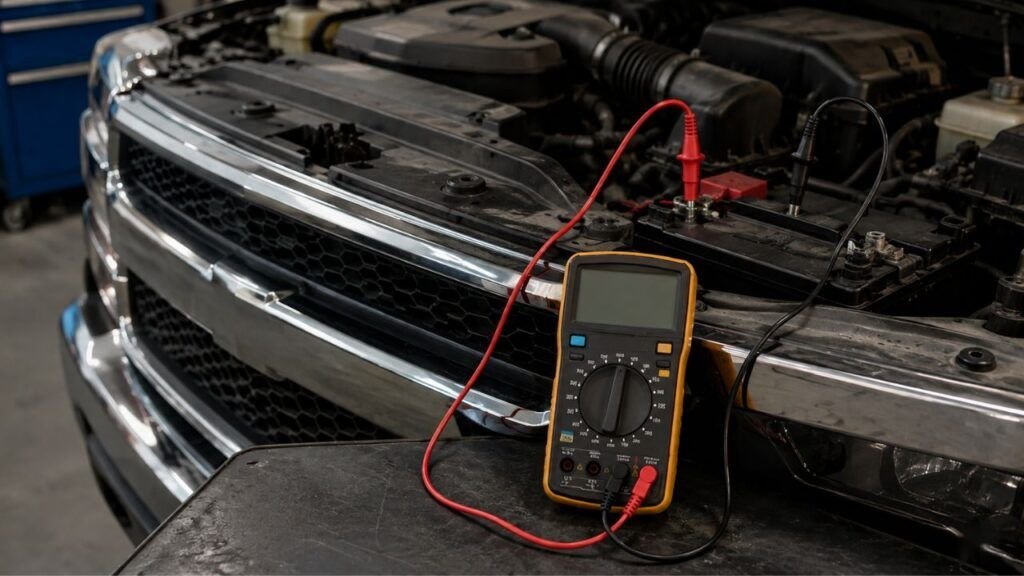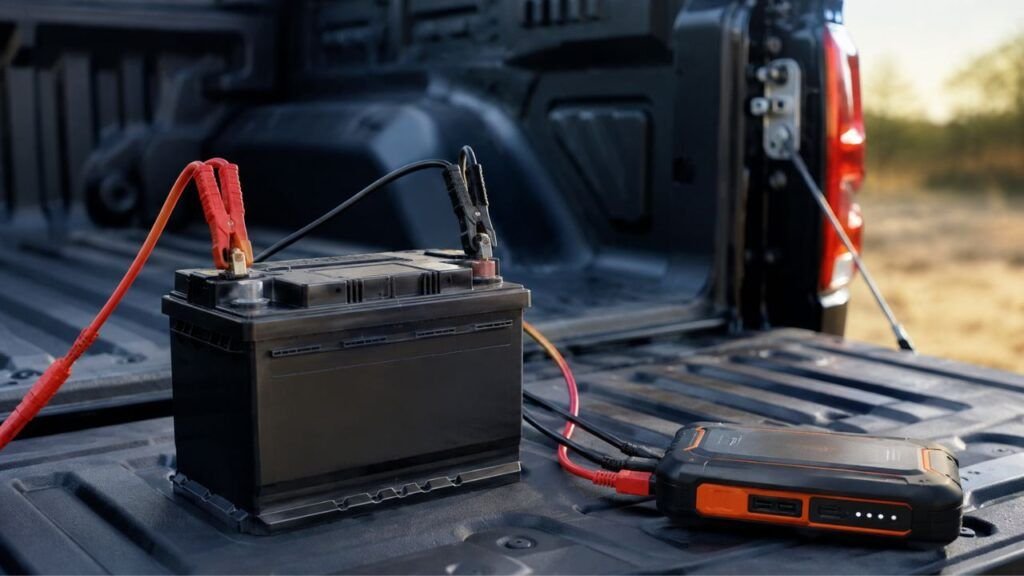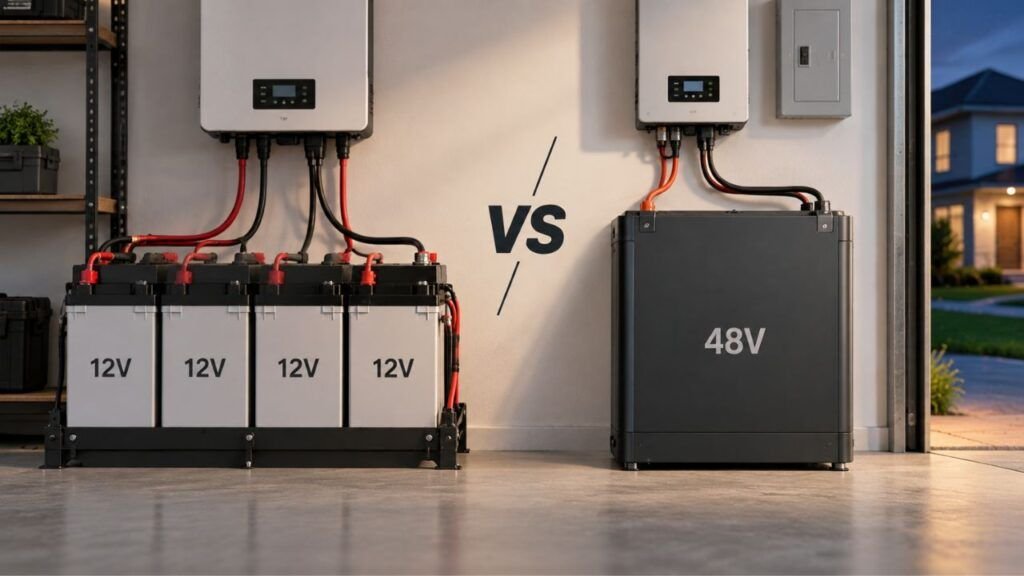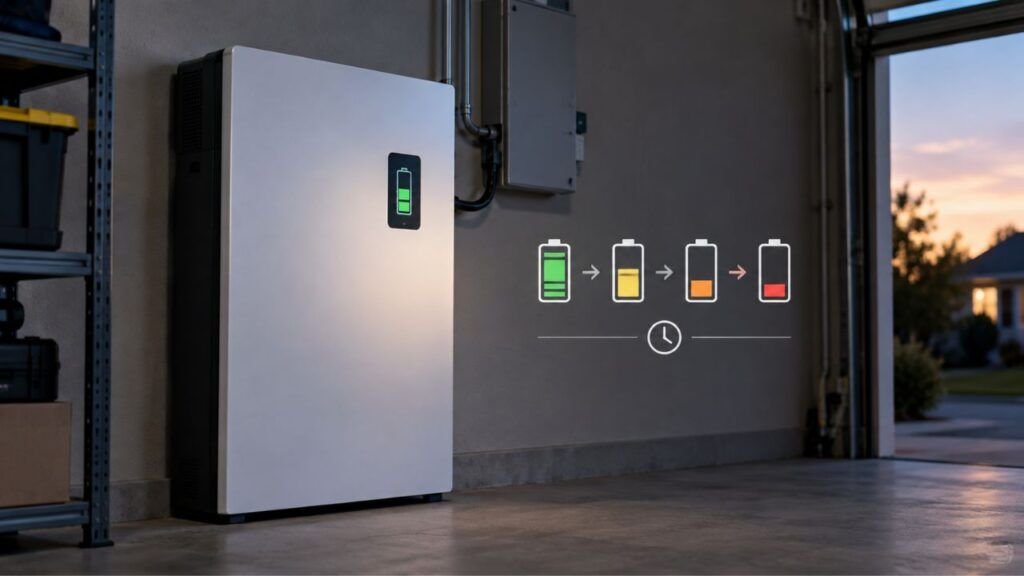

A lithium battery can show 100% charged but still have less runtime because 100% only tells you how full the battery is compared with its current usable capacity. As the battery ages, loses capacity, develops higher internal resistance, or experiences cell imbalance, it may still reach a full-charge reading while storing or delivering less energy than it once did.
If your lithium battery charges normally but does not last as long as expected, I’ll help you narrow down what is happening. We’ll look at battery health, voltage sag, BMS readings, charging problems, temperature, electrical loads, and a few practical tests you can use before deciding the battery needs replacement.
Key Takeaways
- A 100% reading does not mean the battery still has 100% of its original capacity.
- State of charge and battery health measure two different things.
- An aging lithium battery can reach full voltage while storing fewer amp-hours.
- High internal resistance can cause the voltage to drop sharply under load.
- Cell imbalance may make the BMS shut the battery down early.
- A wrong battery percentage can make a healthy battery appear weak.
- Cold weather and increased electrical loads can temporarily reduce runtime.
- A controlled capacity test is one of the best ways to confirm actual battery capacity.
What Does “100% Full” Actually Mean on a Lithium Battery?
Seeing 100% on a battery monitor feels straightforward, but several different measurements are involved. Understanding the difference between charge level, health, voltage, and usable capacity makes this problem much easier to diagnose.
State of Charge: How Full the Battery Is Right Now
State of charge, usually shortened to SOC, describes how much charge remains compared with the battery’s present usable capacity.
Think of it as the fuel gauge.
If the battery management system believes the battery is completely charged, it may display 100% SOC.
That does not necessarily mean the battery can still store as much energy as it did when new.
State of Health: How Much Capacity Remains Compared With New
State of health, or SOH, describes how the battery’s current condition compares with its original condition.
Here is a simple example.
A new 100Ah battery may actually deliver close to 100Ah.
After years of cycling and aging, that same battery might only deliver 80Ah.
The battery can still charge completely and display:
100% SOC
But that 100% now represents approximately:
80Ah instead of the original 100Ah
The battery really is full. Its usable energy tank has simply become smaller.
Battery Voltage Does Not Tell You the Whole Story
Battery voltage measures electrical potential. It does not directly measure how many amp-hours or watt-hours remain inside the battery.
This matters especially with LiFePO4 batteries because their voltage remains relatively flat through a large part of the discharge cycle.
Two batteries can therefore show similar resting voltages while having very different usable capacities.
That is why checking voltage alone is usually not enough when troubleshooting reduced runtime.
Battery Readings Compared
| Reading | What It Tells You | Can an Aged Battery Still Look Full? | Useful for Predicting Runtime? |
| State of Charge | How full the battery currently is | Yes | Somewhat |
| State of Health | Remaining condition compared with new | N/A | Very useful |
| Voltage | Electrical potential | Yes | Limited |
| Amp-Hours | Charge delivered or stored | Yes | Useful |
| Watt-Hours | Total energy delivered | Yes | Very useful |
Why Does a Lithium Battery Show Full but Have Less Runtime?
Several problems can create the same frustrating symptom. Your battery charges to 100%, everything looks normal, and then the available runtime disappears much sooner than expected.
The Battery Has Lost Usable Capacity
Normal battery aging is one of the most common explanations.
Lithium batteries slowly lose usable capacity through both cycling and calendar aging.
Every charge and discharge cycle causes tiny chemical changes inside the cells. Heat, high charge levels, deep discharges, heavy loads, and simple age can gradually accelerate this process.
The result is capacity fade.
Imagine buying a 100Ah lithium battery.
When new:
100% charge = roughly 100Ah available
Several years later:
100% charge = perhaps 80Ah available
The percentage still reaches 100 because the battery is completely charged relative to its current condition.
What has changed is the amount of energy that fits inside.
This usually causes runtime to decrease gradually rather than suddenly.
Internal Resistance Has Increased
Capacity is not the only thing that changes as a lithium battery ages.
Internal resistance can also increase.
Higher resistance makes it harder for the battery to deliver power efficiently, particularly when you connect a demanding load.
You may notice something like this:
- The battery looks completely charged while resting.
- You start an inverter, motor, appliance, or other heavy load.
- Battery voltage suddenly drops.
- The inverter or BMS reaches its low-voltage limit.
- The system shuts down early.
- Battery voltage rises again after the load is removed.
That last part can be especially confusing.
You may turn the equipment off and suddenly see plenty of voltage again.
The battery did not magically recharge. Removing the load simply removed the voltage drop caused by resistance.
This is why a weak lithium battery may seem normal when checked with no load attached.
The Battery Percentage Is Out of Calibration
Sometimes the battery itself is healthier than the display suggests.
Battery monitors and BMS systems estimate state of charge using measurements such as current flow, voltage, temperature, time, and stored capacity information.
Those estimates can gradually drift.
You might notice:
- the battery stays at 100% unusually long;
- the percentage suddenly drops several points;
- the monitor says 30% before the battery shuts down;
- the BMS app shows one percentage while your external monitor shows another;
- runtime seems normal even though the percentage changes strangely.
In that situation, recalibrating or synchronizing the monitor may improve accuracy.
However, there is an important distinction.
Calibration can fix an incorrect percentage. It cannot restore permanently lost battery capacity.
If the battery has chemically degraded from 100Ah to 75Ah, resetting the monitor will not turn it back into a 100Ah battery.
One Cell Reaches Its Limit Before the Others
A lithium battery pack contains multiple cells working together.
Ideally, those cells remain closely balanced.
Sometimes one cell becomes weaker or drifts further from the others.
Imagine a 12V LiFePO4 battery containing four cells.
During charging, one cell may reach its upper voltage limit before the remaining cells are completely charged.
The BMS protects the battery by stopping the charge.
The display may then report that the battery is full.
During discharge, that same weak cell might reach its low-voltage limit before the other cells are empty.
The BMS shuts the entire battery down to protect that cell.
You may still have energy remaining in the healthier cells, but the BMS cannot safely let you continue using it.
That creates another situation where the battery appears full yet provides disappointing runtime.
If your battery has Bluetooth monitoring, individual cell voltages can sometimes reveal this problem.
The Charger Says Full Before the Battery Is Truly Full
Another possibility is that the charger is ending the charging process too early.
The word “full” can come from several different devices:
- the battery BMS;
- a charger;
- an inverter;
- a solar charge controller;
- an RV monitor;
- a golf cart display;
- an external shunt;
- a portable power station screen.
Those devices do not always calculate battery condition the same way.
A charger may stop because it reaches its programmed voltage or current threshold.
That does not automatically prove every cell inside the battery has reached its intended state of charge.
Possible causes include:
- incorrect charger settings;
- wrong battery chemistry profile;
- charger voltage set too low;
- poor cell balance;
- charging interrupted by temperature protection;
- another electrical load consuming charging current;
- incorrect inverter-charger configuration.
Use the charging specifications provided for your particular battery rather than relying on one universal lithium charging voltage.
Cold Weather Is Reducing Available Runtime
Cold temperatures can make a healthy lithium battery act weaker.
Low temperatures slow the chemical processes inside the cells and increase internal resistance.
The battery may still show a high SOC while delivering less usable energy under load.
You might notice that:
- runtime drops during winter;
- voltage sags more under heavy loads;
- equipment shuts down earlier;
- normal runtime returns when the battery warms.
That is different from permanent capacity loss.
If the battery performs normally again at moderate temperatures, cold conditions were probably contributing to the problem.
Also remember that charging restrictions and discharging restrictions are not necessarily the same.
Many LiFePO4 batteries have low-temperature charging protection because charging cells when they are too cold can cause damage.
Follow your battery manufacturer’s temperature limits rather than assuming every lithium battery behaves identically.
Your Electrical Load Has Increased
Sometimes the battery has not changed much at all.
Your power consumption has.
This happens frequently with RVs, boats, golf carts, solar systems, and home backup setups because equipment gets added gradually.
Maybe you recently added:
- a larger inverter;
- another refrigerator;
- additional lighting;
- a heated blanket;
- a furnace fan;
- new electronics;
- a Wi-Fi system;
- a larger trolling motor load;
- additional RV appliances;
- more passengers or equipment in a golf cart.
Even small standby loads can add up over several hours.
An inverter may also consume energy just by staying switched on.
Before assuming the battery has failed, compare your current electrical load with what you were running when the battery was new.
Wiring or Connections Are Causing Voltage Drop
Poor wiring can make a healthy lithium battery behave like a weak one.
High resistance at a connection causes voltage to drop when current increases.
Common causes include:
- loose battery terminals;
- corrosion;
- undersized cables;
- poorly crimped lugs;
- damaged connectors;
- worn fuse holders;
- excessively long cable runs.
Your battery might read a healthy voltage at its terminals while your inverter receives considerably less voltage.
If the inverter reaches its low-voltage shutdown point, you may think the battery is empty even though the problem is actually between the battery and the equipment.
Connections that become noticeably hot under normal load deserve immediate attention.
Your Battery Monitor Still Uses the Old Capacity
This is an easy problem to overlook.
Suppose you installed a battery monitor when your battery bank was new.
The monitor was configured for:
300Ah
After years of service, the actual bank may now provide:
240Ah
But the monitor is still calculating SOC as though 300Ah remains available.
Its remaining-percentage estimate will gradually become less useful.
The same thing can happen after:
- replacing part of a battery bank;
- changing battery capacity;
- modifying the system;
- resetting the monitor;
- changing shunt settings.
Whenever actual battery capacity changes substantially, your monitor settings should be reviewed.
Which Cause Matches Your Symptoms?
You can often narrow the problem down before doing a full capacity test. Look for the symptom that most closely matches what your battery is doing.
| What You Notice | Possible Cause | Best Next Check |
| Runtime gradually shortened over several years | Capacity fade | Capacity test |
| Battery reaches 100% unusually quickly | Reduced capacity or charging issue | Verify charging and test capacity |
| Percentage falls very quickly after charging | SOC drift or reduced capacity | Synchronize monitor and capacity-test |
| Voltage collapses when a large load starts | High internal resistance | Check voltage under load |
| Battery shuts off with percentage remaining | Weak cell, BMS protection, or inaccurate monitor | Check BMS data |
| Runtime gets worse mainly in winter | Cold temperature | Retest when warm |
| Runtime changed after adding equipment | Increased electrical load | Measure actual consumption |
| Charger says full much earlier than expected | Charger settings or cell imbalance | Verify charger profile |
| BMS and external monitor disagree | SOC calibration or monitor setup | Synchronize both systems |
| Cables or terminals become hot | Connection resistance | Inspect wiring immediately |
| Small loads work but large loads cause shutdown | Resistance, wiring, or BMS limit | Perform loaded-voltage test |
Calculate How Long Your Lithium Battery Should Actually Run
Before assuming something is wrong, calculate the approximate runtime your battery should provide.
For a simple DC load:
Runtime = Usable Capacity in Ah ÷ Load Current in Amps
For equipment measured in watts:
Battery Energy in Wh = Battery Voltage × Usable Ah
Then:
Estimated Runtime = Usable Battery Wh ÷ Load Watts
Suppose you have a 12.8V 100Ah LiFePO4 battery.
Its approximate nominal energy is:
12.8 × 100 = 1,280Wh
If your equipment continuously consumes 500 watts:
1,280 ÷ 500 = 2.56 hours
That is a theoretical calculation.
Real runtime may be lower because of:
- inverter conversion losses;
- wiring losses;
- battery age;
- temperature;
- BMS cutoff;
- high discharge current;
- appliance startup surges;
- actual usable capacity.
For AC equipment connected through an inverter, you also need to account for inverter efficiency.
The calculation is still useful because it gives you a reasonable baseline.
If your estimated runtime is three hours but the battery repeatedly lasts only one hour, you have a meaningful difference worth investigating.
How to Check Whether Your Battery Has Really Lost Capacity
A few organized checks can tell you much more than repeatedly looking at the percentage display. Start with the easiest observations and move toward a controlled capacity test only when needed.
Step 1: Make Sure the Battery Actually Starts Fully Charged
Use the charger and charging profile recommended for your battery.
Before testing runtime, make sure:
- charging completes normally;
- there are no BMS warning codes;
- battery temperature is within the permitted range;
- the charger is configured for the correct chemistry;
- cell voltages appear reasonably balanced when individual readings are available.
Testing a partially charged battery will obviously produce misleading results.
Step 2: Measure the Actual Electrical Load
Do not estimate your load based only on appliance labels.
Measure it if possible.
Useful tools include:
- a battery monitor;
- a shunt;
- a DC clamp meter;
- an inverter monitoring system;
- the battery manufacturer’s Bluetooth app.
Turn equipment on and watch how much current or power actually leaves the battery.
You may discover that your “500-watt system” is actually drawing considerably more once inverter losses and other devices are included.
Step 3: Compare Resting Voltage With Loaded Voltage
Measure or observe battery voltage before turning on a significant load.
Then apply the normal load and check again.
A small voltage change is expected.
A dramatic drop deserves investigation.
If battery voltage falls sharply but recovers quickly after the load is removed, possible causes include:
- increased internal resistance;
- weak cells;
- loose connections;
- undersized cables;
- excessive load.
Do not judge battery health using resting voltage alone.
Step 4: Perform a Controlled Capacity Test
If you still cannot identify the problem, a controlled capacity test gives you much stronger evidence.
The general process is:
- Fully charge the battery correctly.
- Start the test from a confirmed full state.
- Connect a stable, known load.
- Record the energy or amp-hours leaving the battery.
- Continue until reaching the manufacturer’s specified discharge endpoint.
- Compare the delivered capacity with the original rating.
For example, suppose your 100Ah battery delivers only 76Ah during a properly controlled test.
You can estimate capacity-based state of health as:
76Ah ÷ 100Ah × 100 = 76%
That gives you far more useful information than simply knowing the battery reaches 100% SOC.
Do not repeatedly run deep discharge tests unnecessarily. Use them when troubleshooting requires an actual capacity measurement.
Step 5: Check Cell Voltages and BMS Events
If your battery provides individual cell information, check it.
Look for:
- one cell consistently higher than the others;
- one cell consistently lower than the others;
- large cell-voltage differences;
- overvoltage protection events;
- undervoltage shutdowns;
- overcurrent warnings;
- high-temperature warnings;
- low-temperature charging protection.
A pack-level voltage reading can hide an individual weak cell.
BMS information sometimes reveals exactly why the battery stopped charging or discharging.
Can Recalibrating the Battery Restore Lost Runtime?
Recalibration can correct an inaccurate percentage reading, but it normally cannot restore capacity that has been permanently lost through battery aging.
A calibration or SOC synchronization procedure may help when:
- the display percentage is clearly inaccurate;
- a shunt has lost synchronization;
- the battery has not reached its synchronization point recently;
- the monitor was configured incorrectly.
It will not reverse:
- chemical degradation;
- loss of active material;
- permanent capacity fade;
- damaged cells;
- increased internal resistance caused by aging.
There is one important exception in how the problem may feel.
If incorrect SOC readings, poor cell balancing, or improper charging settings were causing the battery to stop early, correcting those issues could give you more accessible runtime.
That does not mean calibration regenerated the battery. It means some usable capacity was previously being left inaccessible.
Always use the calibration procedure recommended by your battery or monitor manufacturer.
Does a Surface Charge Explain the Full Reading?
A recently charged battery can temporarily show a slightly elevated terminal voltage that settles after charging stops. However, surface voltage behavior should not automatically be blamed whenever a lithium battery has poor runtime.
If your battery consistently reaches 100% but repeatedly provides much less runtime than before, I would investigate these first:
- actual capacity loss;
- SOC calibration;
- increased internal resistance;
- weak cells;
- cell imbalance;
- incomplete charging;
- increased electrical load.
A temporary voltage reading immediately after charging is much less useful than observing actual energy delivered during a controlled discharge.
Capacity Loss vs. Voltage Sag: They Are Not the Same Problem
These two battery problems can look similar from the driver’s seat, RV monitor, boat display, or inverter screen. The difference is what is actually preventing you from using the energy.
| Problem | Capacity Loss | High Internal Resistance |
| Main issue | Battery stores less energy | Battery struggles to deliver energy |
| Light-load runtime | Usually shorter | May still appear fairly normal |
| Heavy-load performance | Reduced | Often much worse |
| Resting voltage | Can look normal | Can also look normal |
| Voltage under heavy load | Declines normally as capacity empties | May sag very quickly |
| Battery heating | Not necessarily unusual | May increase |
| Can calibration fix it? | No | No |
| Best confirmation | Capacity test | Loaded-voltage testing |
A battery can experience both problems at the same time.
That is common as batteries get older.
When Is Shorter Runtime Normal Rather Than a Battery Failure?
Not every runtime reduction means your lithium battery needs replacement.
You may naturally see less runtime when:
- temperatures become much colder;
- you run larger electrical loads;
- an inverter stays on longer;
- you add new equipment;
- an RV furnace runs more frequently;
- a trolling motor operates at higher power;
- a golf cart carries more weight;
- a golf cart travels steeper terrain;
- more home backup circuits are connected;
- solar production decreases and the battery handles more nighttime load;
- the battery has experienced normal gradual aging.
The important question is whether the change matches your operating conditions.
A sudden unexplained drop deserves more investigation than a gradual reduction over several years.
When Should You Replace the Lithium Battery?
Battery replacement should depend on how much usable performance remains and whether that performance still meets your needs.
Around 80% remaining capacity is often used as a useful battery-life reference point, but it does not mean a battery instantly becomes useless below that number.
A battery with 75% of its original capacity may still work perfectly well in an application where maximum runtime is not important.
Consider replacement when:
- measured capacity no longer provides enough runtime;
- runtime has dropped substantially despite correct charging;
- voltage collapses under normal approved loads;
- one cell repeatedly reaches protection limits much earlier than others;
- BMS faults keep returning;
- the battery becomes unusually hot;
- the enclosure is physically damaged;
- reliability has become unpredictable;
- the battery serves an important backup application where dependable capacity matters.
Capacity requirements ultimately matter more than an arbitrary percentage.
Stop Using the Battery If You Notice These Safety Signs
Reduced runtime is usually a performance problem, but certain symptoms should not be treated as normal battery aging.
Stop using the battery and follow the manufacturer’s safety instructions if you notice:
- swelling or deformation;
- smoke;
- a strong unusual chemical or burning odor;
- melting around terminals or cables;
- excessive unexplained heat;
- cracked battery housing;
- major water intrusion;
- damage following a severe impact;
- repeated serious BMS protection faults.
Do not open a sealed lithium battery or bypass its BMS simply to keep using it.
For high-voltage home battery systems, large solar banks, or equipment you are not qualified to work on, use a trained battery or electrical technician.
How to Help a Lithium Battery Keep Its Runtime Longer
You cannot completely stop lithium battery aging, but good operating habits can slow unnecessary wear.
- Use the charger and charging profile recommended by the battery manufacturer.
- Protect the battery from excessive heat whenever possible.
- Avoid unnecessary repeated deep discharges.
- Keep terminals clean, tight, and properly torqued.
- Use cable sizes appropriate for your system current.
- Keep battery-monitor capacity settings accurate.
- Check BMS data periodically if your battery provides it.
- Follow manufacturer guidance for balancing and SOC synchronization.
- Respect low-temperature charging restrictions.
- Avoid leaving unnecessary inverter and standby loads running.
- Size your battery bank for your normal energy requirements.
- Investigate sudden runtime changes before they become larger problems.
Good battery care is less about chasing a perfect percentage and more about keeping temperature, charging, current, and system setup within reasonable limits.
Final Words
A lithium battery showing 100% but providing less runtime does not automatically mean the percentage display is lying. The battery may genuinely be fully charged while holding considerably less energy than it did when new.
Start by comparing your current electrical load with your expected runtime. Then verify charging, check for excessive voltage sag, review BMS information, inspect wiring, and make sure the battery monitor is configured correctly.
If everything else looks normal, a controlled capacity test can give you the clearest answer. It helps separate “my battery gauge is wrong” from “my battery really has lost capacity.”
Related FAQs
The questions below cover some of the most common situations that come up when a lithium battery appears fully charged but does not provide the expected runtime.
Can a Lithium Battery Show 100% and Still Be Bad?
Yes. An aged or damaged lithium battery may still reach 100% state of charge even though its usable capacity or ability to deliver power has declined. A capacity test and loaded-voltage test can help determine whether the battery itself is weak.
Does Full Voltage Mean a Lithium Battery Has Full Capacity?
No. Full voltage does not prove that the battery still has its original amp-hour or watt-hour capacity. Voltage, state of charge, and state of health describe different characteristics of the battery.
Why Does My Lithium Battery Drop From 100% So Quickly?
A rapid drop from 100% can happen because of reduced usable capacity, an inaccurate SOC estimate, incomplete charging, cell imbalance, a high electrical load, or an incorrectly configured battery monitor.
Can Battery Calibration Restore Lost Capacity?
No. Calibration can make the displayed battery percentage more accurate, but it cannot reverse permanent chemical capacity loss. It only corrects how the battery or monitor estimates remaining charge.
How Do I Know How Much Capacity My LiFePO4 Battery Has Left?
The most reliable practical method is a controlled capacity test. Fully charge the battery, discharge it through a measured load within manufacturer limits, record the delivered Ah or Wh, and compare that result with its rated capacity.
Why Does My LiFePO4 Battery Shut Off While the Monitor Still Shows Charge?
The BMS may be protecting a weak cell, the monitor may be out of calibration, the configured battery capacity may be wrong, or voltage may be sagging below the cutoff point when a heavy load is applied.
Can a Bad Charger Make a Lithium Battery Show Full Too Early?
Yes. Incorrect charging settings, the wrong lithium profile, insufficient charging voltage, cell imbalance, or temperature protection can cause charging to end before the battery has reached its expected usable capacity.
Does Cold Weather Make a Fully Charged Lithium Battery Run Shorter?
Yes. Cold temperatures increase internal resistance and can temporarily reduce available performance. Runtime may improve again after the battery returns to a suitable operating temperature.
Is 80% Battery Health Considered Dead?
Not necessarily. Around 80% remaining capacity is commonly used as an aging reference, but the battery may still be useful. Replacement becomes more practical when the remaining capacity no longer meets your required runtime or reliability.
Should I Fully Discharge a Lithium Battery to Recalibrate It?
Not as a routine habit. Different batteries and monitors use different synchronization procedures. Follow the manufacturer’s instructions rather than repeatedly discharging the battery to its BMS cutoff.

Ryan Carter writes practical battery guides focused on troubleshooting, everyday use, and smarter buying decisions. His experience with lithium batteries, RV and automotive power, and home backup systems helps readers choose reliable solutions with confidence.