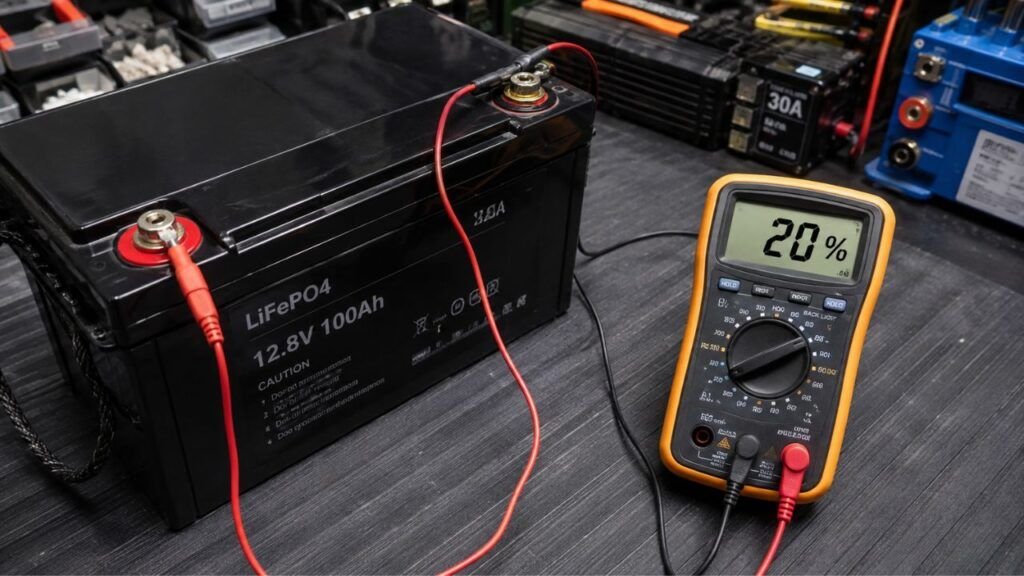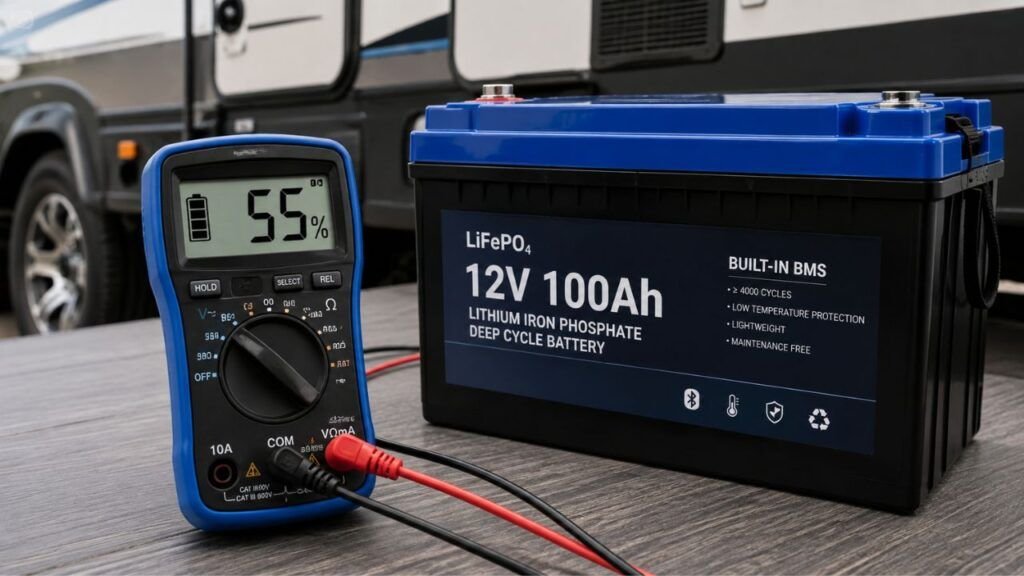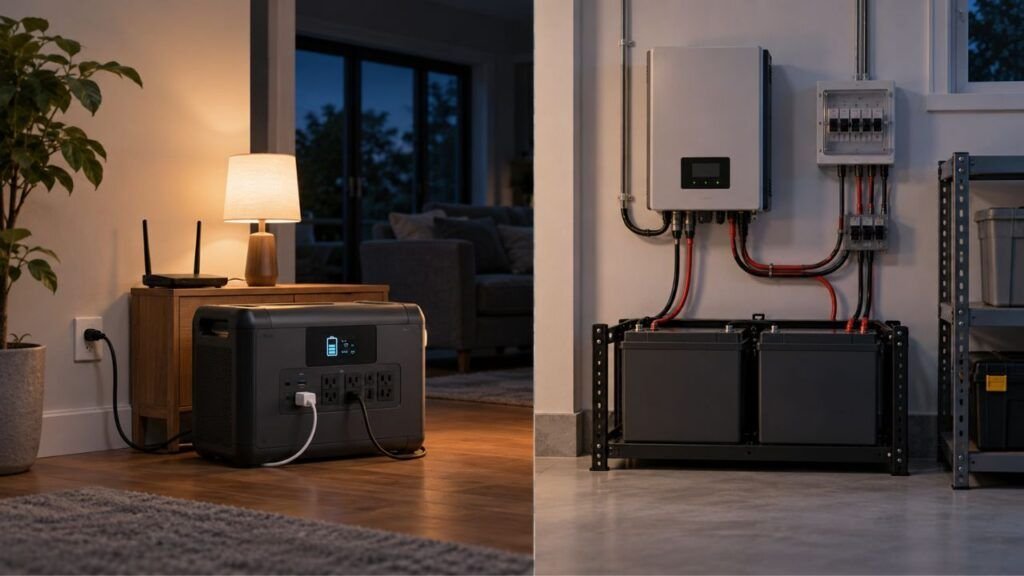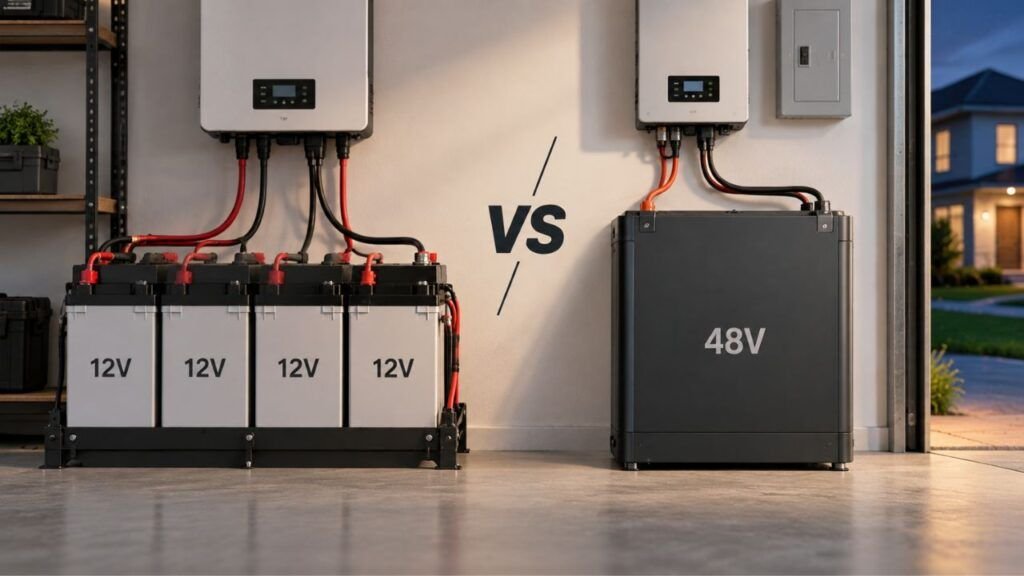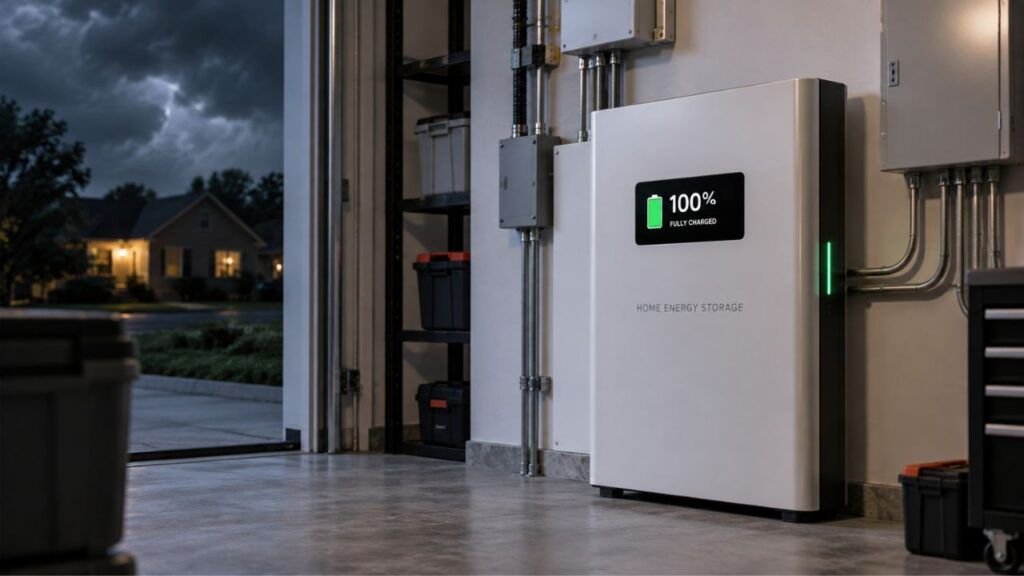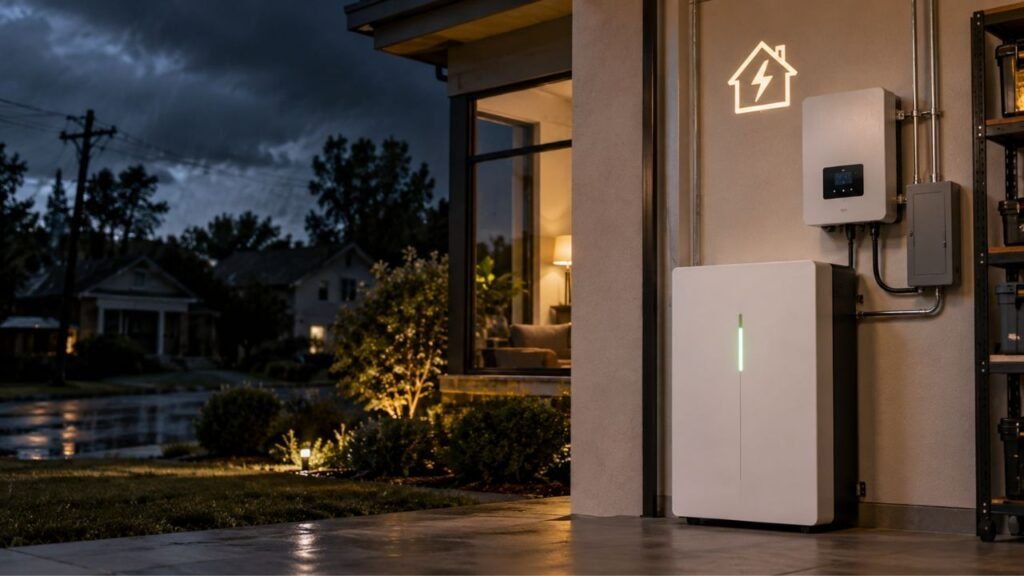
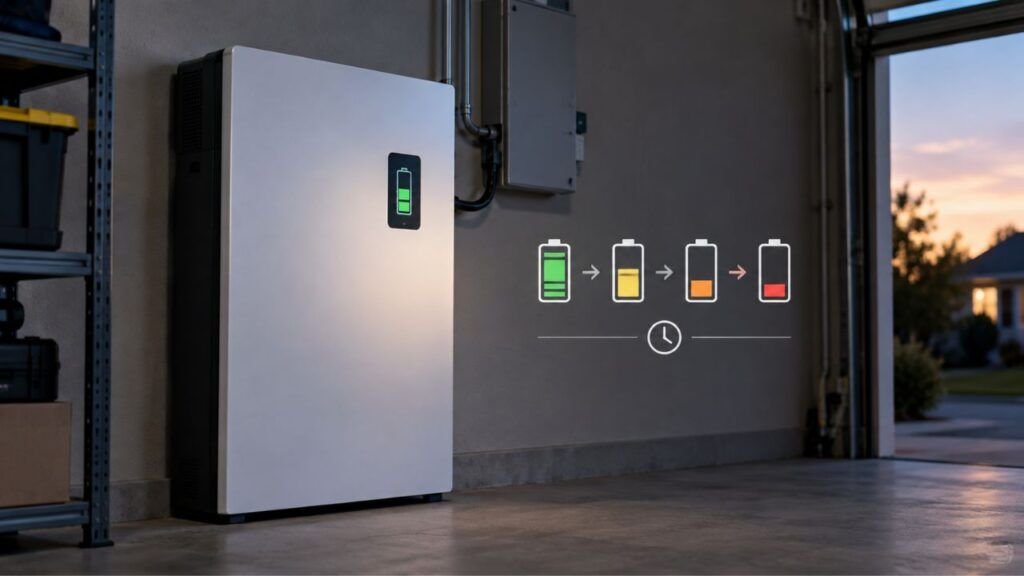
A home backup battery loses power while sitting unused because of natural self-discharge and small standby loads. The battery management system, inverter, monitoring equipment, communications, and temperature controls may continue using electricity even when your home is not actively drawing backup power.
In some cases, the battery is not truly sitting unused. Automatic settings can discharge it for energy savings, grid support, battery balancing, or calibration. Below, I will help you understand what is normal, what is not, and what you should check.
Key Takeaways
- Home batteries naturally lose some stored energy through self-discharge.
- The BMS and inverter can consume power while sitting idle.
- Wi-Fi, monitoring, sensors, and controllers may remain active.
- Temperature control can create additional standby power consumption.
- Time-of-use settings may intentionally discharge your battery.
- A changing battery percentage does not always mean energy disappeared.
- Rapid unexplained discharge can indicate a setting or battery problem.
- Installed home batteries should normally remain connected and operational.
Why Does a Home Backup Battery Lose Power While Sitting Unused?
Several things can reduce your battery’s charge while it appears inactive. Some losses happen naturally inside the cells. Others come from the electronics keeping your backup system ready.
Natural Battery Self-Discharge
Every rechargeable battery slowly loses stored energy over time.
This process is called self-discharge. It happens because chemical reactions continue inside the battery even when nothing is connected.
Modern lithium batteries usually have relatively low self-discharge. Lithium iron phosphate, or LiFePO4, batteries are especially good at holding stored energy.
However, the actual amount varies between battery systems.
Temperature, battery age, chemistry, state of charge, and cell condition all matter.
So, you should not assume every home battery loses the same percentage each month.
The Battery Management System Still Uses Electricity
Your battery management system, commonly called the BMS, does not simply shut down when your battery sits idle.
It may continue monitoring:
- Battery voltage
- Cell temperatures
- Individual cell balance
- Charging conditions
- Safety limits
- State of charge
- Fault conditions
Each function requires a small amount of electricity.
This is different from self-discharge.
Self-discharge happens chemically inside the battery cells. BMS consumption is an electrical standby load.
That difference becomes important when troubleshooting an unexpected drop.
The Inverter Uses Power While Waiting
Your inverter may also consume electricity while waiting for an outage.
The inverter converts stored DC battery power into AC electricity your home can use. Even when it is not supplying major household loads, it may remain partly active.
It may need to:
- Monitor utility power
- Detect an outage
- Watch grid voltage
- Communicate with the battery
- Prepare for automatic transfer
- Maintain safety protections
This standby consumption can be more noticeable than natural battery self-discharge.
That is why looking only at battery chemistry can be misleading.
Wi-Fi, Monitoring, and Communication Systems Stay Active
Most modern home batteries are connected systems.
Your mobile app may show battery percentage, energy flow, operating mode, solar production, and household consumption.
Those features require hardware to remain active.
Depending on your system, electricity may support:
- Wi-Fi
- Ethernet connections
- Cellular communication
- Energy meters
- Gateways
- Controllers
- Status lights
- Internal sensors
The consumption is usually small, but it continues around the clock.
Over several days, those little loads can become noticeable.
Heating or Cooling Can Consume Stored Energy
Battery temperature also matters.
Some home battery systems include fans, heaters, cooling equipment, or other thermal controls.
These components can operate even when you are not using backup power.
For example, a battery installed in a very cold garage may need heating before charging. A battery exposed to high temperatures may require cooling or additional thermal protection.
This means your battery may use electricity just to protect itself.
High temperatures can also increase chemical self-discharge and accelerate battery aging.
Your Battery May Not Actually Be Sitting Unused
It is easy to think your battery is doing nothing because there was no outage. However, modern home batteries can automatically charge and discharge based on your selected operating mode.
Self-Powered Mode May Be Running Your Home
Some battery systems are designed to reduce your reliance on utility electricity.
When solar production drops below your household demand, the battery may automatically provide the missing power.
You might notice this during:
- Evening hours
- Cloudy weather
- Overnight periods
- High household demand
- Low solar production
The battery is working exactly as programmed in this situation.
It is not losing power through self-discharge.
Time-of-Use Settings May Discharge the Battery
Some utilities charge different electricity rates throughout the day.
Your battery may use cheaper electricity for charging and discharge during expensive periods.
This can happen automatically.
You may not notice any obvious change inside your home because your appliances continue operating normally.
Check whether your system has settings called:
- Time-of-Use
- Savings
- Cost Savings
- Peak Shaving
- Load Shifting
Names vary between manufacturers.
Your Battery May Be Sending Power to the Grid
Some home energy systems allow stored electricity to be exported.
This can happen through certain utility programs, grid-service programs, or virtual power plant arrangements.
Your battery may therefore decrease even without a power outage.
Check your system’s export settings and utility program participation.
Do not assume an unexpected drop automatically means battery failure.
Backup Reserve Settings Affect Available Power
Backup reserve determines how much battery energy stays protected for outages.
Suppose your reserve is set to 30%.
Your system may use energy above that level for everyday household power, savings, or other programmed purposes.
The battery can therefore drop from 90% to 30% without anything being wrong.
If outage protection is your priority, check your current reserve setting.
Battery Balancing or Calibration May Change the Percentage
Your BMS regularly estimates how much energy remains inside the battery.
Sometimes that estimate needs adjustment.
The system may perform:
- Cell balancing
- State-of-charge calibration
- Capacity recalculation
- Battery health checks
During these processes, your displayed percentage can change unexpectedly.
You may even see charging or discharging when you did not request it.
That does not automatically mean your battery has developed a problem.
Self-Discharge vs. Standby Drain vs. Capacity Loss
These three terms can sound similar, but they describe different things. Knowing the difference helps you avoid replacing a battery that may be working normally.
| What You Notice | What It Usually Means | Is the Energy Recoverable? | Possible Cause |
| Charge slowly falls while completely disconnected | Self-discharge | Yes, after charging | Internal chemical reactions |
| Charge falls while the system remains powered | Standby consumption | Yes, after charging | BMS, inverter, monitoring equipment |
| Battery falls toward its reserve level | Programmed discharge | Yes | Operating mode or energy settings |
| Percentage suddenly jumps or drops | SOC recalibration | Usually not equivalent to real energy loss | BMS recalculation |
| Battery stores fewer kWh than before | Capacity degradation | No | Battery aging |
| Battery rapidly drains while idle | Abnormal drain | Depends | Fault, damaged cells, settings, or excessive loads |
How Much Charge Loss Is Normal for a Home Backup Battery?
There is no single percentage that applies to every home backup battery. The cells may naturally self-discharge very slowly, while the complete battery system consumes additional energy through its electronics.
Your actual loss depends on:
- Battery chemistry
- Battery capacity
- Inverter design
- BMS power consumption
- Temperature
- Monitoring equipment
- Operating mode
- Grid connection
- Battery age
- System configuration
This is why I would avoid judging your system using a generic monthly self-discharge percentage.
Instead, watch its actual behavior over several days.
A Simple Way to Estimate Standby Drain
You can estimate how much energy an electrical standby load consumes.
Use this formula:
Standby watts × 24 ÷ 1,000 = kWh used per day
For example, imagine the system consumes 10 watts continuously.
10 × 24 ÷ 1,000 = 0.24 kWh per day
If you had a 10 kWh battery, 0.24 kWh would equal about 2.4% of its full capacity.
However, this does not mean every 10 kWh battery loses 2.4% daily.
Some systems draw standby electricity from the grid instead of the battery. Others split that consumption differently depending on system conditions.
Treat this calculation as a troubleshooting tool, not a universal rule.
Why Temperature Can Make an Unused Battery Lose Power Faster
Temperature affects both short-term battery behavior and long-term battery health. Extreme heat and cold can also make the percentage displayed in your app behave differently.
Hot Temperatures Increase Battery Stress
Heat speeds up many chemical reactions inside lithium batteries.
That can increase self-discharge and accelerate long-term degradation.
This becomes important for batteries installed in:
- Hot garages
- Outdoor enclosures
- Utility rooms
- Poorly ventilated areas
- Direct afternoon sun
Homeowners in hotter areas may need to pay extra attention to installation conditions.
Always follow the manufacturer’s recommended operating temperatures.
Cold Temperatures Can Reduce Available Power
Cold weather does not always mean your stored energy has permanently disappeared.
Instead, low temperatures can temporarily reduce:
- Available capacity
- Charging performance
- Discharge power
- Voltage response
Your battery percentage may also behave differently during cold conditions.
Once the battery warms up, some performance can return.
Thermal Management Can Add Standby Consumption
A battery designed for extreme temperatures may protect itself automatically.
That protection may use:
- Internal heaters
- Cooling fans
- Pumps
- Temperature sensors
- Control electronics
So, a cold battery may consume some energy simply keeping itself ready.
This is another reason an “unused” battery is rarely completely inactive.
Does Battery Age Make Idle Power Loss Worse?
Yes, battery age can affect how well your home battery holds energy.
Lithium batteries slowly age even when they are not heavily cycled. This is called calendar aging.
Over time, the battery may experience:
- Lower usable capacity
- Higher internal resistance
- Greater cell imbalance
- Reduced charging efficiency
- Faster self-discharge in damaged or degraded cells
However, you should separate capacity loss from charge loss.
Suppose your battery originally stored 13.5 kWh but now stores less after many years. That is capacity degradation.
If the battery drops from 90% to 85% today, that is a change in current state of charge.
Those are not the same problem.
Could the Battery Percentage Be Wrong?
The percentage shown in your battery app is an estimate rather than a direct measurement. Your BMS calculates it using several electrical measurements and software models.
State of Charge Is an Estimate
A gasoline tank can use a physical float to estimate fuel level.
A lithium battery works differently.
Its BMS estimates remaining energy by monitoring things such as:
- Voltage
- Current
- Temperature
- Charging history
- Discharge history
- Cell behavior
Over time, small estimation errors can develop.
Long Periods Without Cycling Can Require Calibration
A battery that rarely charges or discharges through a wide range may eventually need recalibration.
The system might intentionally charge or discharge to improve its state-of-charge estimate.
You may notice unusual behavior during this process.
Some systems perform calibration automatically without requiring homeowner action.
Why the Percentage Can Suddenly Jump or Drop
A sudden percentage change does not always mean that much electricity suddenly disappeared.
Possible causes include:
- BMS recalibration
- Temperature changes
- Cell balancing
- Firmware updates
- Recalculated usable capacity
- Measurement corrections
Check your system’s energy history before assuming something failed.
How to Find Out What Is Draining Your Home Battery
If your battery percentage keeps falling, you can narrow down the cause without opening the battery or touching high-voltage components.
- Check your energy-flow history: Look for recorded battery discharge when the percentage falls.
- Track the percentage for several days: Write down the SOC at similar times each day.
- Check your operating mode: Look for Self-Powered, Savings, Time-of-Use, or similar settings.
- Check the backup reserve: Make sure your reserve matches your outage priorities.
- Review grid-export settings: Confirm whether stored energy can be exported.
- Check utility program participation: Some programs may remotely use stored battery energy.
- Look for calibration notifications: Battery apps may report balancing or calibration activity.
- Check the installation temperature: Extreme heat or cold can change battery behavior.
- Review recent settings changes: A changed operating mode can cause unexpected discharge.
- Check for firmware updates: New firmware can sometimes change energy-management behavior.
- Compare the behavior with your owner’s manual: Different home battery systems manage standby operation differently.
- Contact your installer if the drain remains unexplained: They can check system logs and battery health safely.
Do not open a home battery enclosure to troubleshoot internal components yourself.
When Is Idle Battery Drain a Sign of a Problem?
Some energy loss is normal. However, you should investigate when the battery suddenly behaves very differently from its usual pattern.
Watch for these warning signs:
- The battery loses charge rapidly without recorded household use.
- SOC repeatedly falls below your configured backup reserve.
- One battery module drains much faster than the others.
- The battery becomes unusually warm while sitting idle.
- You repeatedly receive battery or BMS error messages.
- The system unexpectedly shuts down.
- Backup runtime becomes much shorter than before.
- The battery cannot hold a normal charge.
- Unexpected grid exports continue after you disable them.
- Idle drain suddenly increases without a clear settings change.
There is no universal percentage that proves your battery is failing.
Focus on sudden changes from its normal behavior instead.
How to Reduce Power Loss While Your Home Battery Is Waiting
You cannot completely eliminate every form of standby loss. However, you can reduce unnecessary drain and keep the battery ready for outages.
Keep the Battery Within Its Recommended Temperature Range
Try to keep the installation environment within the manufacturer’s specifications.
Avoid unnecessary exposure to extreme heat when possible.
Do not cover cooling vents or block required airflow.
If the battery is installed outdoors, use only approved installation arrangements.
Check Your Backup and Operating Settings
If your main goal is emergency backup, review your backup reserve.
A low reserve gives the system more energy for daily savings. However, it leaves less energy available when the grid fails.
A higher reserve improves outage readiness.
Choose the balance that matches your household needs.
Disable Unneeded Features Only When Recommended
Some systems provide optional features that consume additional power.
However, do not disable safety monitoring, thermal protection, or battery management functions.
Those systems exist to protect the battery and your home.
Only change settings available through the official controls.
Keep Firmware and Monitoring Software Updated
Battery software controls much more than the mobile app.
Firmware can affect:
- State-of-charge calculations
- Charging behavior
- Standby operation
- Battery balancing
- Temperature management
- Grid interaction
Keeping the system current can prevent known software problems.
Follow the Manufacturer’s Long-Term Storage Instructions
This point is especially important.
You may have seen recommendations to store lithium batteries around 40% to 60% charge.
That advice can make sense for some portable lithium batteries placed into long-term storage.
It should not automatically be applied to a permanently installed home backup system.
Whole-home batteries are often designed to remain connected, monitored, and ready.
Follow the instructions written specifically for your battery system.
Should You Turn Off a Home Backup Battery When You Are Not Using It?
Usually, you should not turn off an installed home backup battery simply because there has not been an outage.
The system may need to stay connected so it can:
- Monitor utility power
- Recharge automatically
- Protect the battery cells
- Stay connected to monitoring equipment
- Detect an outage
- Transfer to backup power
- Maintain battery temperature
- Perform balancing or calibration
Turning the system off can also prevent automatic backup operation.
If you are leaving your home for a long period, check the manufacturer’s vacation or shutdown instructions.
Do not disconnect electrical equipment without knowing the correct procedure.
Should You Keep a Home Backup Battery Fully Charged?
Keeping your battery at a high state of charge gives you more energy during an unexpected outage.
That makes sense when backup readiness is your main priority.
However, keeping lithium cells at maximum charge continuously can increase long-term battery stress in some situations.
Modern home battery systems usually manage charging, reserve levels, and battery protection automatically.
Instead of manually forcing the battery to stay at 100%, use the manufacturer’s recommended backup settings.
A higher backup reserve may be useful if outages are common in your area.
Final Verdict
A home backup battery losing some power while sitting unused does not automatically mean something is wrong.
Natural self-discharge accounts for part of the loss. However, your battery system can also use electricity for its BMS, inverter, communications, monitoring equipment, and temperature controls.
Your battery may also be intentionally discharging because of operating modes, grid exports, time-of-use settings, balancing, or calibration.
The best question is not simply, “Why is my battery losing charge?”
Instead, ask, “Where is the stored energy going?”
Check your energy history, backup reserve, operating mode, temperature, and system notifications first. If the loss becomes unusually fast or unexplained, have your installer or battery manufacturer investigate it.
Related FAQs
Do Home Backup Batteries Lose Charge When Not in Use?
Yes. Home backup batteries experience some natural self-discharge, while their BMS, inverter, monitoring equipment, and other electronics may also consume small amounts of power during standby.
How Much Power Should a Home Battery Lose While Sitting Idle?
There is no universal percentage that applies to every system. Standby loss depends on battery chemistry, inverter design, BMS consumption, temperature, operating settings, battery size, and whether standby power comes from the battery or grid.
Does a Battery Management System Drain the Battery?
Yes, a BMS requires a small amount of electricity for voltage monitoring, temperature monitoring, cell balancing, safety protection, and state-of-charge calculations. This is considered standby consumption rather than natural chemical self-discharge.
Why Does My Home Battery Percentage Drop Overnight?
Your home may use stored battery power overnight in Self-Powered or Time-of-Use mode. Standby electronics, temperature control, calibration, and normal self-discharge can also contribute to the drop.
Why Is My Battery Losing Charge Even Though the Grid Is On?
The battery may be powering household loads, responding to energy-saving settings, exporting electricity, running calibration, or supporting system electronics. Being connected to the grid does not necessarily mean the battery stays completely idle.
Does an Inverter Use Power When Nothing Is Running?
Yes. Many inverters consume a small amount of standby power while monitoring the grid, communicating with the battery, maintaining control electronics, and staying ready to provide AC electricity.
Can Cold Weather Make My Battery Percentage Drop?
Yes, cold temperatures can temporarily reduce available battery capacity and change the BMS estimate. Some batteries also use internal heating, which can create additional standby power consumption.
Does Hot Weather Make a Home Battery Discharge Faster?
High temperatures can increase chemical self-discharge and accelerate long-term battery degradation. Cooling equipment may also consume additional electricity when the battery operates in a hot environment.
Should I Turn My Home Battery Off When I Go on Vacation?
Usually not unless your manufacturer specifically recommends it. Permanently installed home batteries are generally designed to remain connected so they can maintain themselves, monitor the grid, recharge, and stay ready for outages.
Can an Old Home Battery Self-Discharge Faster?
Yes. Aging batteries can develop greater internal resistance, cell imbalance, reduced capacity, and higher self-discharge. A sudden increase in idle loss deserves further investigation.
Why Did My Home Battery Suddenly Drop Below Its Backup Reserve?
Calibration, cell balancing, system settings, software behavior, or certain utility programs can sometimes cause unexpected SOC changes. Check your battery app, energy history, alerts, and operating settings before assuming the battery has failed.

Ryan Carter writes practical battery guides focused on troubleshooting, everyday use, and smarter buying decisions. His experience with lithium batteries, RV and automotive power, and home backup systems helps readers choose reliable solutions with confidence.