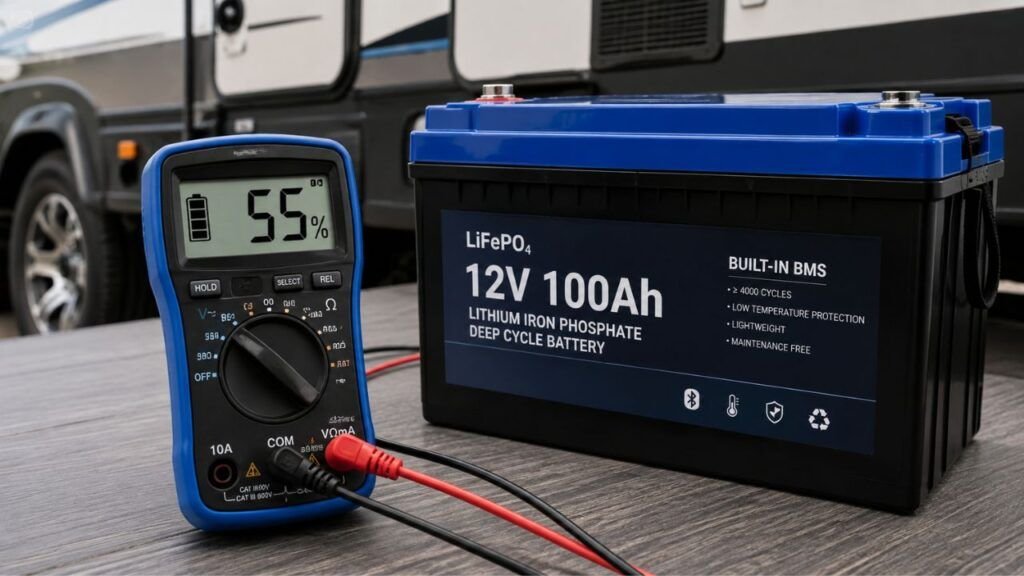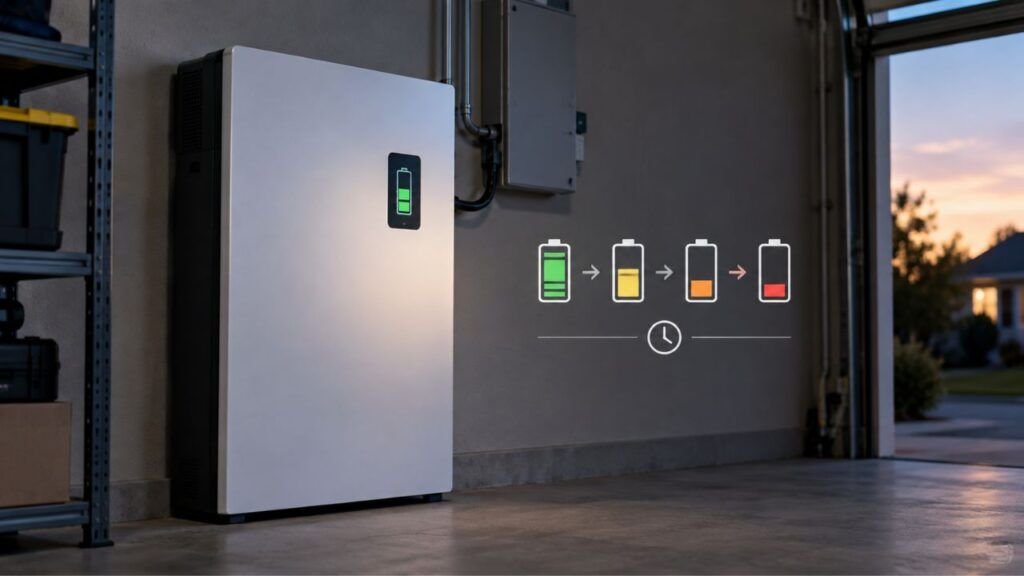
A lithium battery percentage can change after sitting overnight because its voltage settles, temperature changes, and the battery management system recalculates the state of charge. The battery may show a higher or lower percentage without actually gaining or losing the same amount of energy.
This can be perfectly normal, especially with LiFePO4 batteries. Below, I’ll explain why it happens, when to worry, and how you can tell whether the battery really lost charge.
Key Takeaways
- Lithium battery percentage is an estimate of remaining charge.
- Battery voltage can rise after a heavy load is removed.
- Voltage can fall slightly after charging stops and the battery rests.
- Temperature changes can affect voltage and displayed state of charge.
- LiFePO4 batteries are especially difficult to estimate from voltage alone.
- A BMS can correct an inaccurate percentage after the battery rests.
- Standby equipment can cause genuine battery loss overnight.
- Normal self-discharge usually cannot explain a large overnight drop.
- Small percentage changes after resting do not automatically indicate damage.
- Repeated large changes should be investigated using voltage and current data.
Why Does a Lithium Battery Percentage Change After Sitting Overnight?
Several things happen inside a lithium battery after charging or discharging stops. Some change only the displayed percentage, while others actually consume stored energy.
| Cause | Percentage May | What Is Happening | Actual Energy Lost? |
| Voltage rebound after use | Rise | Voltage recovers after the load stops | Usually not by the displayed amount |
| Post-charge voltage relaxation | Fall | Elevated charging voltage settles | Usually very little |
| Temperature change | Rise or fall | Voltage and available capacity change | Not necessarily |
| BMS SOC correction | Rise or fall | The BMS updates its estimate | No matching immediate loss |
| SOC drift | Become inaccurate | Small measurement errors accumulate | Mainly a reporting issue |
| Standby or parasitic load | Fall | Connected equipment consumes power | Yes |
| Natural self-discharge | Slowly fall | Internal chemical reactions use stored charge | Yes, but slowly |
| Cell imbalance or aging | Become erratic | Cells behave differently under changing conditions | Possibly |
The first thing I would avoid doing is assuming the battery is defective.
You need to determine whether the battery actually lost energy or the displayed number simply changed.
That distinction explains most confusing overnight percentage changes.
What Happens to Lithium Battery Voltage While It Rests?
Lithium battery voltage does not instantly become stable when charging or discharging stops. It normally moves toward a more settled voltage during the resting period.
After Discharging: Voltage Rebound
Suppose you are running an inverter, trolling motor, refrigerator, or other load.
While that equipment is running, battery voltage drops slightly. This is commonly called voltage sag.
The harder the battery works, the more noticeable that sag can become.
Once you turn the load off, the battery gets a chance to relax.
Its terminal voltage can then rise again.
This is known as voltage rebound or voltage recovery.
For example, imagine your battery shows 52% while powering several appliances. You shut everything down for the night.
Several hours later, you check again and see 55%.
The battery did not somehow recharge itself.
Instead, its voltage recovered after the load disappeared. The BMS may then have used that settled voltage to adjust its SOC estimate.
After Charging: Voltage Can Settle Downward
The opposite can happen after charging.
Battery voltage is usually higher while a charger is operating.
Immediately after charging ends, the battery may still show an elevated terminal voltage.
That voltage gradually settles as the battery rests.
As a result, you might disconnect a battery at 95% and later see 92% or 93%.
That does not necessarily mean several percent of energy disappeared overnight.
Part of the difference may simply be the battery moving from charging voltage toward its true resting condition.
Resting Voltage Is Different From Loaded Voltage
This distinction is important when troubleshooting batteries.
A battery can show three somewhat different voltage conditions:
- Charging voltage: usually elevated by the charger.
- Loaded voltage: temporarily lowered by electrical demand.
- Resting voltage: measured after charging and major loads stop.
That is why checking voltage while running a large appliance can be misleading.
The same problem occurs if you check immediately after charging.
A rested reading provides better information about the battery’s condition.
However, even resting voltage should not be treated as a perfect percentage meter.
That is especially true with LiFePO4 batteries.
Does a Higher Percentage in the Morning Mean the Battery Recharged Itself?
No. A disconnected lithium battery does not normally recharge itself while sitting overnight.
What can recover is the voltage, not the energy you already consumed.
Imagine your battery shows 61% immediately after running a large inverter load.
You turn the inverter off and leave the battery alone.
The next morning, it shows 65%.
That does not mean another 4% of usable energy appeared overnight.
The battery’s voltage recovered after the load disappeared. Its BMS may also have revised the estimated state of charge.
This is why percentage readings should not always be interpreted literally.
Think of the percentage as the battery system’s best estimate of remaining charge.
It is not a direct measurement of every lithium ion inside the cells.
Why Can the Percentage Be Lower After the Battery Rests?
A percentage increase after resting often confuses owners. A percentage decrease can be equally confusing.
Several different causes can produce that result.
Charging Voltage Has Relaxed
If you recently charged the battery, its voltage may remain temporarily elevated.
You might unplug the charger and see 100%.
Later, the resting voltage settles slightly lower.
Depending on how the BMS estimates SOC, that change may produce a lower displayed percentage.
This is one reason I would not judge battery health from a single reading immediately after charging.
Let the battery settle first.
Then compare readings under similar conditions.
The Battery Became Colder Overnight
Battery temperature often changes substantially between afternoon and early morning.
That matters because lithium battery behavior changes with temperature.
Cold conditions can affect:
- terminal voltage;
- internal resistance;
- available power;
- usable capacity;
- BMS calculations.
A battery checked during a warm afternoon may therefore behave differently after a cold night.
This does not automatically mean the missing percentage permanently disappeared.
Some usable performance can return as the battery warms.
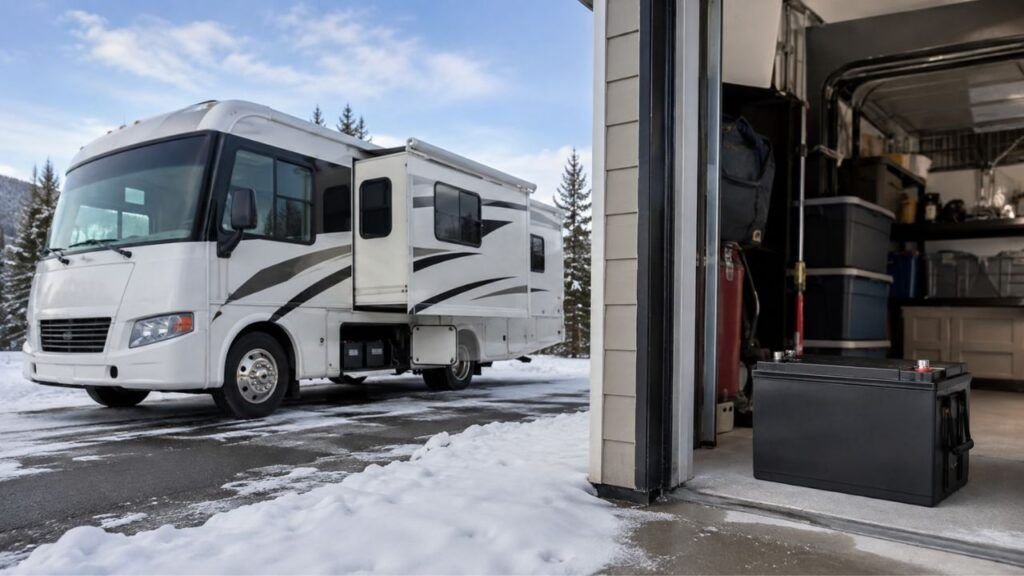
Temperature effects can be especially noticeable in RVs, boats, garages, sheds, and outdoor solar installations.
Something Actually Used Power Overnight
Not every overnight drop is just a calculation issue.
Sometimes the battery really did supply energy while you were sleeping.
Common hidden loads include:
- inverter standby consumption;
- RV control boards;
- refrigerators;
- propane detectors;
- battery heaters;
- Bluetooth BMS electronics;
- displays and monitors;
- solar controllers;
- converters;
- USB chargers;
- Wi-Fi equipment;
- pumps;
- fans;
- alarm systems.
Individually, some of these loads use very little power.
But small loads running continuously for eight or twelve hours add up.
If your percentage decreases every night, checking standby consumption should be one of your first troubleshooting steps.
The BMS Corrected Its SOC Estimate
Sometimes the percentage before resting was wrong.
The BMS may have been estimating charge while the battery was under load, charging, or experiencing changing temperatures.
After several hours of more stable conditions, the system may revise that estimate.
Your battery could therefore move from 74% to 70% even though it did not truly consume 4% overnight.
The displayed number became more accurate.
That is very different from losing 4% of stored energy.
How Does the BMS Know What Percentage Is Left?
A lithium battery does not contain a physical sensor that directly measures “67% remaining.” The BMS has to estimate that number using several types of information.
Coulomb Counting
Many lithium battery systems estimate state of charge by tracking current.
They measure electrical current entering and leaving the battery.
Think of it like keeping a running bank balance.
If 30 amp-hours leave a 100Ah battery, the system records that discharge.
When energy goes back into the battery, it adds it again.
This method is commonly called coulomb counting.
It can be very useful, especially with LiFePO4 chemistry.
However, it is still an estimate.
Tiny measurement errors can accumulate over many charge and discharge cycles.
Open-Circuit Voltage Correction
Battery voltage can also provide information about SOC.
The problem is that voltage depends on more than remaining charge.
It also changes with:
- current draw;
- charging;
- temperature;
- battery chemistry;
- resting time;
- cell condition.
A battery that has rested usually provides a more useful voltage reading than one powering a heavy load.
Some battery systems can use this stable voltage information to help correct the SOC estimate.
Why SOC Drift Develops
Over time, the displayed percentage can gradually move away from the battery’s real state of charge.
This is called SOC drift.
It can happen because of:
- small current-measurement errors;
- repeated partial charging;
- incomplete charge cycles;
- tiny parasitic loads;
- changing battery capacity;
- temperature changes;
- inaccurate battery-monitor settings.
Imagine your monitor makes a tiny error during every cycle.
One error is meaningless.
Hundreds of small errors can eventually create a noticeable difference.
You might then see unusual jumps between 70% and 75%, or the battery might reach low-voltage cutoff while the monitor still shows remaining capacity.
Proper synchronization can often help correct this.
Why Is This Especially Common With LiFePO4 Batteries?
LiFePO4 batteries have many advantages, but estimating their percentage from voltage can be difficult.
The main reason is their flat discharge curve.
A lead-acid battery’s voltage changes fairly noticeably as its charge decreases.
LiFePO4 behaves differently.
Through a large portion of its usable capacity, voltage changes relatively little.
A battery at a moderately high SOC can therefore show a voltage surprisingly close to one at a considerably lower SOC.
This makes statements such as:
“13.2 volts always means exactly 70%.”
far too simplistic.
Actual readings vary with:
- battery manufacturer;
- cell design;
- load;
- temperature;
- battery age;
- resting period;
- measurement equipment.
Voltage becomes particularly useful near the upper and lower ends of the battery’s operating range.
Through the broad middle range, a properly configured BMS or shunt-based monitor usually provides more useful day-to-day SOC tracking.
Even then, the percentage remains an estimate.
Is Lithium Battery Percentage the Same as Battery Voltage?
Battery percentage and battery voltage are related, but they are not the same measurement. Looking at several readings together usually gives you a much clearer picture.
| Reading | What It Tells You | Main Strength | Main Limitation |
| Battery voltage | Electrical potential at that moment | Direct and easy to measure | Changes with load, charging, rest, and temperature |
| SOC percentage | Estimated remaining charge | Simple for everyday monitoring | Can drift or be recalculated |
| Amp-hours remaining | Estimated usable charge | Helpful with a calibrated monitor | Depends on correct capacity settings |
| Current | Power flowing into or out of battery | Identifies real drain or charging | Does not show total capacity alone |
| Individual cell voltage | Condition of separate battery cells | Helps identify imbalance | Usually requires BMS access |
If your battery percentage looks suspicious, I would not check another percentage reading alone.
Look at the voltage and current too.
If possible, also check individual cell voltages.
Those extra readings often reveal what is actually happening.
How Long Should a Lithium Battery Rest Before Checking Its Voltage?
There is no single resting period that applies perfectly to every lithium battery.
The correct procedure depends on the battery chemistry, manufacturer, BMS, temperature, and reason for testing.
For everyday troubleshooting, some manufacturers use around 30 minutes of rest before taking a practical voltage reading.
A longer resting period can provide a more settled voltage.
True electrochemical equilibrium can take considerably longer than a quick household battery check.
You therefore do not need to leave every battery disconnected for an entire day.
Follow the battery manufacturer’s testing procedure whenever one is available.
More importantly, make your comparisons consistent.
For example, compare:
- the same battery;
- at approximately the same temperature;
- after a similar resting period;
- with similar equipment disconnected.
Consistency gives you much more useful information than chasing a supposedly perfect universal voltage number.
Is It Normal for Lithium Battery Percentage to Change While Resting?
Yes. A modest percentage change while a lithium battery rests can be normal.
Remember that the percentage is calculated.
Voltage relaxation, temperature changes, and SOC corrections can all move the displayed number without indicating a battery failure.
I would investigate further if you notice:
- very large percentage changes repeatedly;
- a substantial drop every night;
- percentage falling while everything is genuinely disconnected;
- sudden jumps close to empty;
- unexpectedly short battery runtime;
- low-voltage shutdown at a high displayed SOC;
- repeated BMS protection events;
- noticeably different individual cell voltages;
- unusual battery heating;
- difficulty reaching a full charge.
A single unusual percentage reading rarely tells the whole story.
Repeated behavior is much more useful for diagnosing a problem.
How to Tell Whether the Battery Really Lost Charge Overnight
You can separate real battery drain from a changing SOC estimate with a simple overnight test. You do not need advanced laboratory equipment for the basic diagnosis.
- Record the starting percentage. Write down the displayed SOC before leaving the battery overnight.
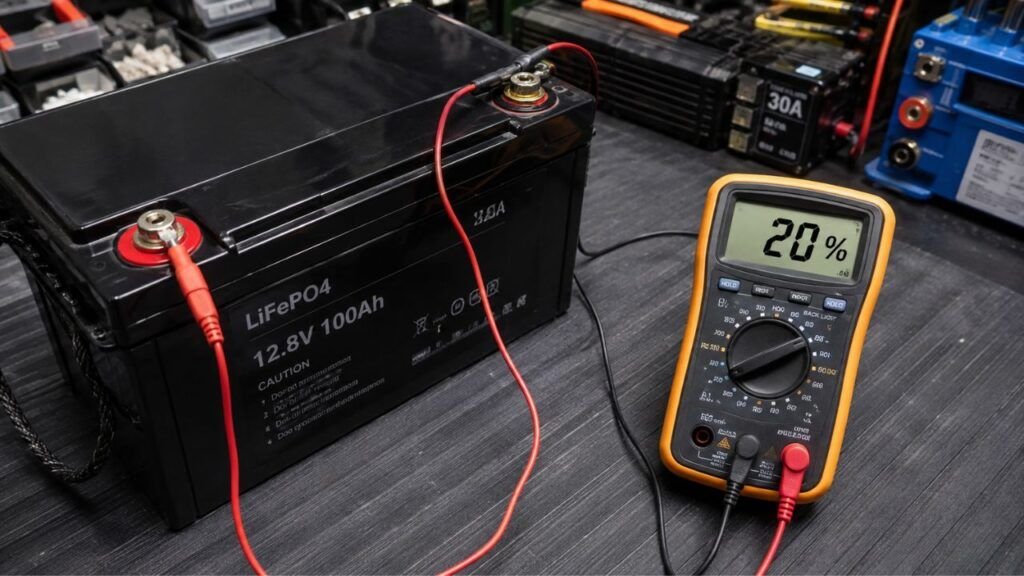
- Record the battery voltage. Use the BMS app, battery monitor, or suitable meter.
- Check the battery temperature. A large temperature change can affect your morning comparison.
- Turn off major loads. Disable equipment you do not need overnight.
- Check inverter standby consumption. An inverter can use power even without an obvious appliance running.
- Watch the current reading. A shunt or BMS can show whether current is leaving the battery.
- Let the battery rest. Follow the manufacturer’s recommended resting procedure when possible.
- Record the morning readings. Check percentage, voltage, temperature, and current again.
- Review energy history if available. Many monitors record amp-hours or watt-hours consumed overnight.
- Compare actual runtime afterward. A percentage error becomes easier to recognize when runtime remains normal.
Here is how I would interpret the results.
- Percentage changed but almost no current left the battery: The change probably came from voltage relaxation or SOC correction.
- Percentage and measured amp-hours both decreased: The battery genuinely supplied energy overnight.
- The percentage changes with temperature: Temperature is probably contributing to the reading.
- The SOC repeatedly disagrees with actual runtime: The battery monitor may need synchronization or configuration.
- One cell behaves differently from the others: Cell balance or battery condition deserves closer inspection.
This approach is much more reliable than blaming the battery immediately.
What Should You Do If the Percentage Keeps Changing Overnight?
If the percentage keeps moving by noticeable amounts, focus on measurements rather than replacing parts. A few simple checks can usually narrow down the cause.
Synchronize the Battery Monitor When Required
Some battery monitors need a known full-charge reference periodically.
Without synchronization, small counting errors can accumulate.
Eventually, the monitor might think the battery has substantially more or less charge than it really does.
Follow your battery or monitor manufacturer’s synchronization procedure.
Do not assume that every lithium battery should be charged to the same voltage.
Different manufacturers can specify different charging limits.
Check for Parasitic Loads
Look at the battery’s current reading with everything supposedly turned off.
Ideally, use a shunt or BMS app capable of showing small current flows.
If current is still leaving the battery, start switching circuits off individually.
You may discover that an inverter, refrigerator controller, alarm, charger, or monitoring system remains active.
This method is much better than unplugging random equipment and guessing.
Compare Readings at Similar Temperatures
Temperature differences can make troubleshooting unnecessarily confusing.
Suppose you check your battery at 75°F during the afternoon.
Then you compare it with a morning reading taken at 35°F.
Those readings were taken under very different battery conditions.
When possible, compare the battery at similar temperatures.
This makes percentage and voltage trends easier to interpret.
Check Cell Balance and Battery Health
Your BMS app may allow you to view individual cell voltages.
Small cell differences are normal.
The important question is whether one cell repeatedly behaves very differently.
Also check for:
- unusual BMS warnings;
- repeated low-voltage events;
- charging interruptions;
- excessive voltage sag;
- unexpected shutdowns;
- reduced usable amp-hours;
- shortened runtime.
Percentage movement alone does not prove degradation.
Percentage movement combined with poor performance is more meaningful.
Can a Lithium Battery Lose Charge Even When Nothing Is Connected?
Yes. A lithium battery can slowly lose charge even when no external equipment is connected.
All rechargeable batteries experience some degree of self-discharge.
The BMS itself can also use a small amount of energy.
Bluetooth modules and internal monitoring electronics may add another tiny draw.
However, normal self-discharge happens relatively slowly.
It should not normally be your first explanation for a dramatic one-night percentage decrease.
If a battery repeatedly loses a large amount overnight, check for:
- equipment that was not completely disconnected;
- inverter standby consumption;
- inaccurate SOC reporting;
- temperature changes;
- battery-monitor calibration;
- unusual cell behavior.
That will usually get you closer to the real cause.
Does Overnight Percentage Change Mean the Lithium Battery Is Going Bad?
Not necessarily.
A battery percentage that moves after resting can be completely normal.
Normal explanations include:
- voltage rebound;
- post-charge voltage relaxation;
- temperature changes;
- BMS recalculation;
- SOC drift;
- small standby loads.
I would become more concerned if the percentage changes are accompanied by noticeably reduced performance.
For example, investigate further when your battery previously powered equipment for eight hours but now lasts only four.
Also pay attention to repeated BMS shutdowns, extreme voltage sag, charging problems, or serious cell imbalance.
Those symptoms tell you much more about battery condition than the morning percentage alone.
Final Verdict
A lithium battery percentage can change after sitting overnight even when very little energy was actually lost. Voltage rebound, post-charge relaxation, temperature changes, and BMS recalculation can all change the displayed state of charge.
The percentage can move upward or downward. Neither direction automatically means something is wrong with the battery.
If you want to know what really happened overnight, compare the percentage with battery voltage, current flow, temperature, and actual energy consumption. When those readings stay normal, a small percentage correction is usually nothing to worry about.
If the percentage repeatedly changes by a large amount or runtime has noticeably decreased, then check for parasitic loads, SOC drift, charging problems, and cell imbalance.
Related FAQs
Why Did My Lithium Battery Percentage Go Up Overnight?
The battery probably did not gain new energy. Voltage can recover after a load is removed, and the BMS may use that recovered voltage to revise its SOC estimate upward.
Why Did My Lithium Battery Percentage Drop Overnight With Nothing On?
The percentage can fall because charging voltage relaxed, the battery became colder, or the BMS corrected its previous SOC estimate. Small internal BMS consumption can also occur even when external loads appear off.
Can a Lithium Battery Gain Percentage Without Charging?
It can display a higher percentage without actually receiving additional energy. This commonly happens when voltage rebounds after a load stops and the BMS recalculates the remaining state of charge.
Why Does My LiFePO4 Battery Percentage Jump Suddenly?
LiFePO4 batteries have a relatively flat voltage curve, which makes precise voltage-based SOC estimation difficult. SOC drift or BMS recalibration can therefore cause noticeable percentage jumps.
Should I Trust Lithium Battery Voltage or Percentage?
Neither reading should be interpreted completely alone. A properly configured BMS or shunt is useful for everyday SOC monitoring, while rested voltage helps with troubleshooting and confirming whether the displayed percentage makes sense.
Does Cold Weather Make a Lithium Battery Show a Lower Percentage?
It can. Cold temperatures affect battery voltage, internal resistance, available capacity, and SOC calculations. The reading may improve again after the battery warms, depending on the system.
How Long Should LiFePO4 Sit Before Checking Voltage?
Follow the battery manufacturer’s instructions whenever possible. Around 30 minutes may provide a useful rested reading for some batteries, but longer periods can allow the voltage to settle further.
Does a Lithium Battery Self-Discharge Overnight?
Yes, but normal lithium battery self-discharge is relatively slow. A noticeable one-night drop is more likely caused by connected loads, SOC recalculation, temperature changes, or monitoring errors.
Can a BMS Show the Wrong Battery Percentage?
Yes. The BMS estimates state of charge rather than directly measuring a percentage. Current-measurement errors, partial charging, changing capacity, and SOC drift can gradually make the displayed percentage inaccurate.
Does Cell Balancing Change the Battery Percentage?
Cell balancing can influence BMS behavior, particularly near the upper end of the charge range. However, repeated large percentage changes should still be investigated rather than automatically blamed on balancing.

Ryan Carter writes practical battery guides focused on troubleshooting, everyday use, and smarter buying decisions. His experience with lithium batteries, RV and automotive power, and home backup systems helps readers choose reliable solutions with confidence.