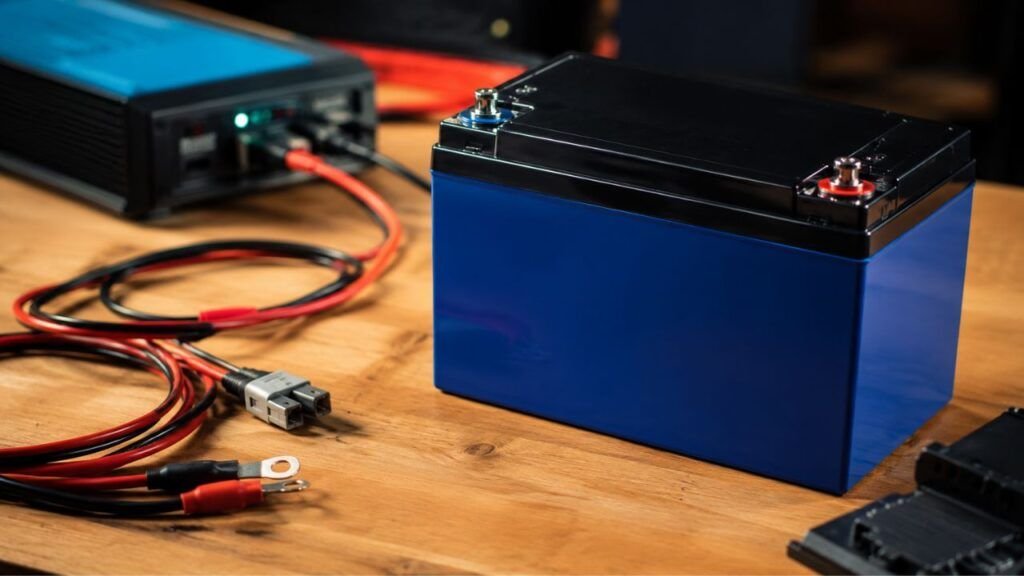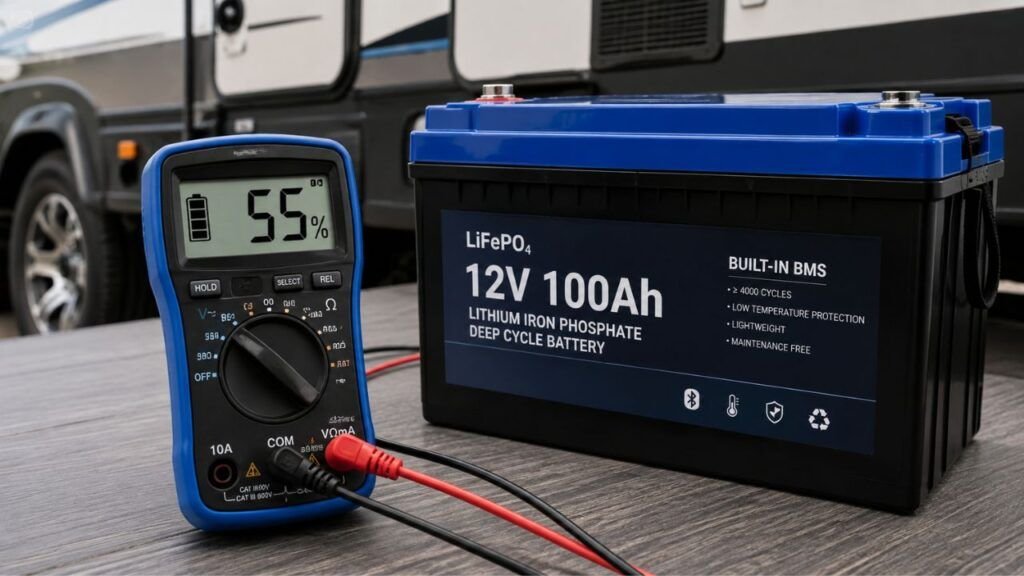
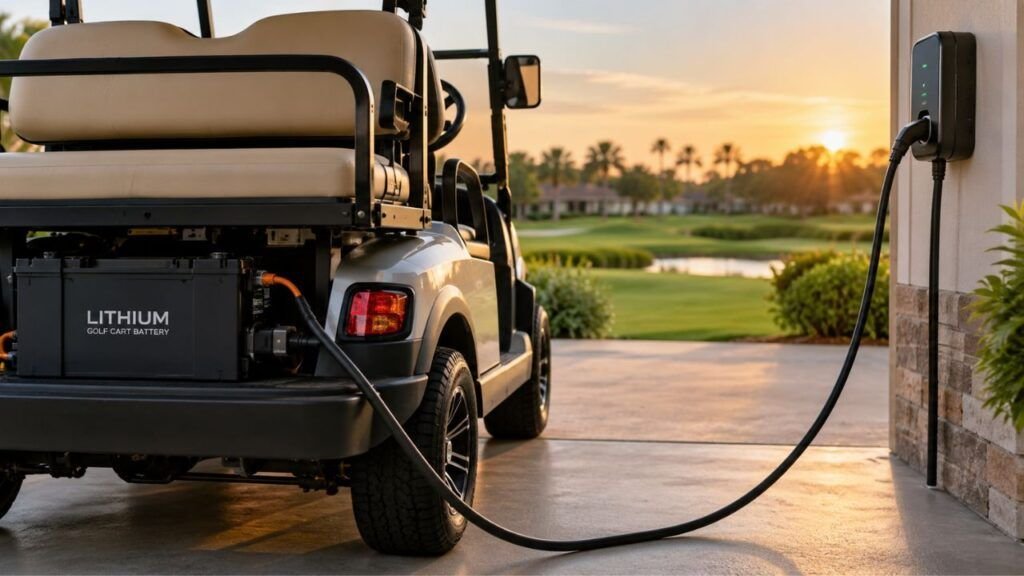
Yes, a golf cart lithium battery can often stay plugged in briefly after charging when you use the correct automatic lithium charger. However, you should not assume every lithium golf cart battery can remain connected indefinitely. Battery and charger manufacturers can have different instructions.
In this guide, I’ll explain what happens after charging finishes, when leaving it connected is acceptable, when you should unplug it, and how storage and temperature affect your decision.
Key Takeaways
- A lithium golf cart battery can often remain plugged in briefly.
- Use a charger specifically approved for your battery system.
- The charger controls charging while the BMS provides protection.
- A BMS does not make every charger safe to use.
- Long-term storage usually requires a different charging routine.
- Keeping lithium batteries at 100% constantly is often unnecessary.
- Manufacturer charging instructions should always come before general advice.
Can a Golf Cart Lithium Battery Stay Plugged In After It Is Fully Charged?
A golf cart lithium battery can usually remain connected for several hours after reaching full charge when its approved automatic charger is working correctly. Many modern chargers reduce or stop charging once the battery reaches the required voltage.
That does not mean every lithium battery should stay plugged in continuously.
Some manufacturers allow their batteries to remain connected overnight or for several days. Others recommend unplugging the charger once charging is complete.
That difference matters.
The safest approach is to treat short-term charging and long-term storage separately.
Leaving your golf cart connected overnight may be acceptable with the proper system. Leaving it plugged in for several weeks without checking manufacturer instructions is different.
The battery management system also provides important protection. However, it should not be your only reason for leaving the charger connected.
Your charger still needs to match the battery chemistry, voltage, and charging requirements.
How Long Can You Leave a Lithium Golf Cart Battery Plugged In?
There is no universal number of hours or days that applies to every lithium golf cart battery. The appropriate time depends mainly on your battery, charger, temperature, and manufacturer instructions.
| Situation | General Recommendation | Main Reason |
| A few hours after charging | Usually acceptable | A compatible automatic charger should finish its normal charging cycle |
| Overnight | Often acceptable when manufacturer-approved | Most proper lithium chargers stop active charging when finished |
| Several days | Check manufacturer instructions first | Some batteries allow this while others recommend disconnecting |
| Several weeks | Usually disconnect the charger | Continuous charging is normally unnecessary during storage |
| Several months | Follow the battery’s storage procedure | Storage charge level and parasitic drain become more important |
| Charger compatibility unknown | Disconnect and verify compatibility | A BMS cannot make an unsuitable charger appropriate |
The important point is that there is no single safe time limit for every lithium golf cart battery.
One battery manufacturer may allow several days of continued connection. Another may instruct you to unplug immediately after charging finishes.
Because of that, I would avoid advice such as “every lithium golf cart can stay plugged in forever.”
It is much safer to follow your specific battery manual.
What Actually Happens When the Battery Reaches 100%?
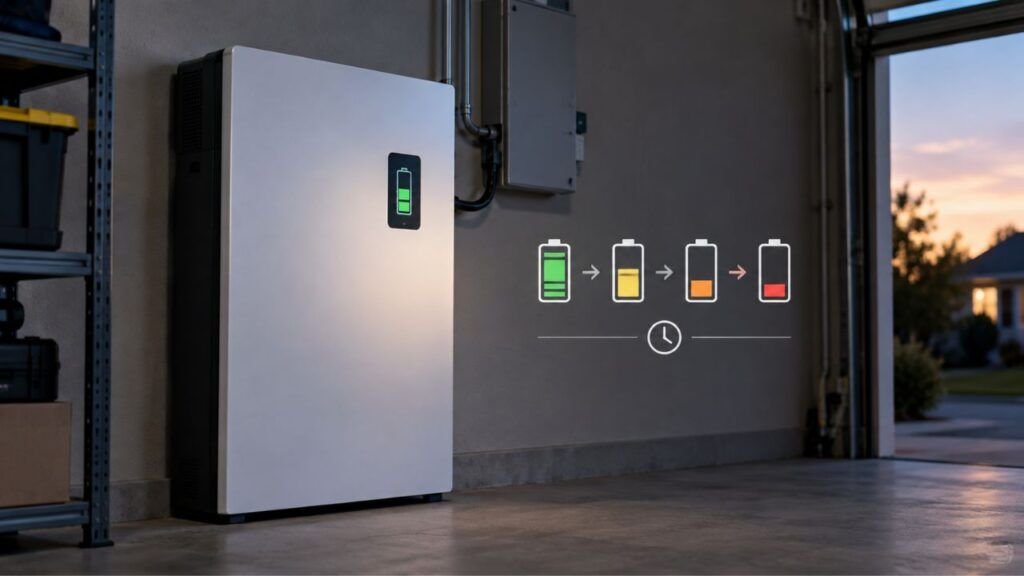
Your lithium battery does not normally continue accepting maximum charging current forever. A properly matched charging system gradually completes the charge and then stops or greatly reduces current.
The Charger Reduces or Stops Charging
A lithium-compatible charger follows a charging profile designed for the battery.
During the main charging stage, the charger supplies current while battery voltage rises.
As the battery approaches its target voltage, charging behavior changes.
Current eventually drops, and the charger reaches its completed state.
Depending on the charger, it may completely stop output or enter a standby condition.
This is why leaving the charging plug physically connected does not always mean the battery is continuously being charged.
The BMS Continues Monitoring the Battery
The Battery Management System, or BMS, monitors important battery conditions.
It may watch:
- Cell voltage
- Battery temperature
- Charging current
- Discharge current
- Cell balance
- Overvoltage conditions
- Undervoltage conditions
If something goes outside the battery’s safe operating limits, the BMS may interrupt charging or disconnect the battery internally.
Think of the BMS as a protection system.
It should not replace a properly designed charger.
LiFePO4 Batteries Do Not Need Traditional Float Charging
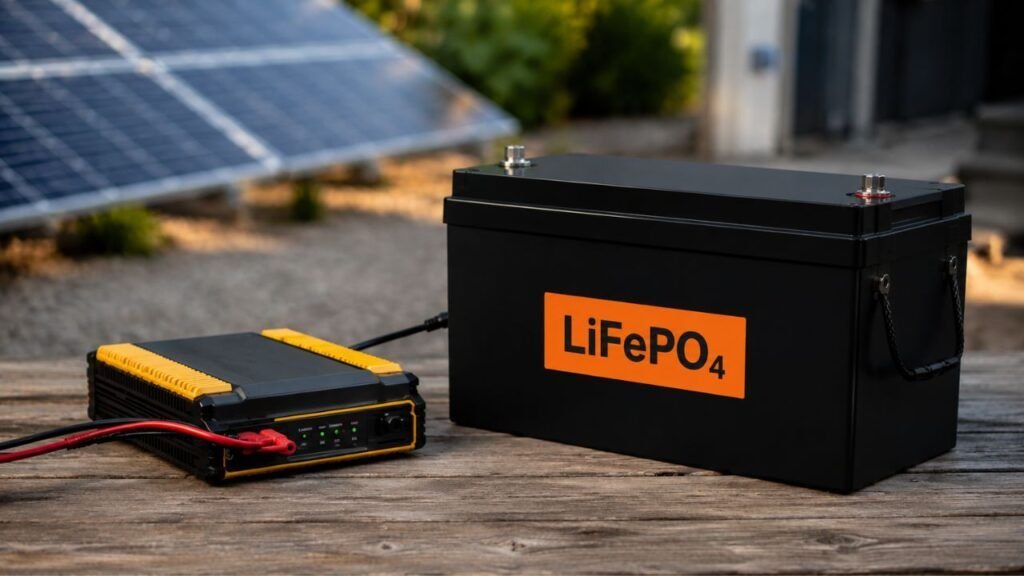
Many golf cart lithium batteries use LiFePO4 chemistry.
These batteries behave differently from traditional lead-acid golf cart batteries.
Lead-acid batteries are often maintained with a float voltage to keep them fully charged.
LiFePO4 batteries generally do not need continuous float charging for battery health.
They also have relatively low self-discharge when sitting unused.
That means keeping your lithium cart constantly plugged in provides less benefit than it might with some lead-acid systems.
Why a BMS Does Not Make Every Charger Safe
A BMS provides valuable protection, but it does not automatically make every charger compatible with your golf cart battery.
This is an important distinction because many owners assume the BMS handles everything.
It does not.
The charger is responsible for delivering the correct charging voltage and current.
The BMS mainly protects the battery when conditions become unacceptable.
For example, a BMS may disconnect charging when cell voltage becomes too high. It may also stop charging when battery temperature becomes unsafe.
You should not rely on those emergency limits during every charge.
Your charger should already operate inside the battery’s recommended range.
That is why an old lead-acid charger should never be assumed compatible after converting your golf cart to lithium.
The voltage label alone is not enough.
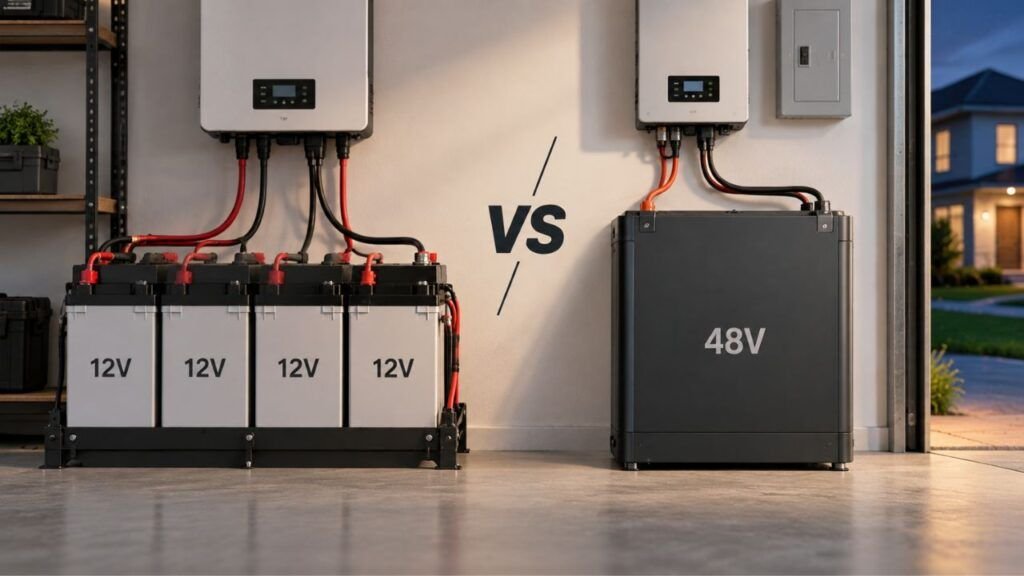
A 48V lead-acid charger and a 48V lithium charger can behave differently.
When Is It Usually Okay to Leave the Golf Cart Plugged In?
Leaving your lithium golf cart plugged in briefly is generally less concerning when the entire charging system is designed to work together.
It is usually more reasonable when:
- The battery manufacturer permits continued charger connection.
- You are using the approved lithium-compatible charger.
- The charger automatically finishes its charging cycle.
- Battery temperature remains within its charging limits.
- The charger shows no error or warning lights.
- Cables and connectors are clean and undamaged.
- The battery is not becoming unusually hot.
- You plan to use the golf cart again soon.
- The charging area is dry and protected from moisture.
If those conditions are satisfied, leaving the cart connected for a short time may be perfectly normal.
Still, there is little reason to keep it connected indefinitely unless the manufacturer specifically recommends doing so.
When Should You Unplug the Charger?
Certain situations make unplugging the charger the better choice.
You should disconnect it when:
- The battery manual tells you to unplug after charging.
- The cart will remain unused for several weeks.
- You cannot confirm that the charger is lithium-compatible.
- You recently converted from lead-acid to lithium.
- The charger repeatedly starts and stops unexpectedly.
- The charger never reaches its completed state.
- The battery becomes unusually hot.
- The charger or connector smells burnt.
- You see damaged cables or melted connectors.
- The battery case appears swollen or damaged.
- The BMS repeatedly reports an overvoltage fault.
- Battery temperature falls below its approved charging range.
Stop charging immediately if you notice smoke, melting, severe overheating, or physical battery damage.
Do not keep reconnecting the charger hoping the problem disappears.
The charger, battery, wiring, or connector should be inspected first.
Does Leaving a Lithium Golf Cart Battery at 100% Shorten Its Life?
Keeping your battery protected from overcharging is not exactly the same as maximizing battery lifespan.
A smart charger may prevent the battery from being electrically overcharged.
However, lithium batteries generally experience more aging stress when they remain at very high charge levels for long periods, especially in hot conditions.
That does not mean charging your golf cart to 100% is harmful.
Sometimes you need full capacity.
A full charge may also be required occasionally for battery balancing or accurate state-of-charge readings.
The concern is keeping the battery completely full for extended periods when there is no practical reason.
If you drive your golf cart regularly, charging fully before use can make sense.
If your cart will sit for two months, storage recommendations become more important than maximizing immediate range.
You also should not blindly follow a universal 20% to 80% charging rule.
Golf cart battery manufacturers use different BMS designs, charging profiles, and storage recommendations.
Follow the limits provided for your specific battery.
What Should You Do During Long-Term or Winter Storage?
Long-term storage should be treated differently from normal overnight charging. Your goal changes from maximum driving range to maintaining battery health while preventing unnecessary discharge.
Follow Your Battery’s Recommended Storage Charge
Do not assume every LiFePO4 golf cart battery should be stored at exactly 50%.
Some manufacturers recommend storing at a partial charge.
Others specify a wider acceptable range.
Some systems may even tell you to charge fully before switching the battery into storage mode.
Check your manual before storing the cart for winter.
Your battery manufacturer knows how its BMS and pack were designed.
Turn Off the Battery If Your System Provides a Power Switch
Some lithium golf cart batteries include an external power button or shutdown function.
Using that feature can reduce unnecessary battery consumption during storage.
Follow the manufacturer’s shutdown procedure carefully.
Do not disconnect internal battery components yourself.
Disconnect Parasitic Loads
Your golf cart may still consume electricity even when parked.
Possible parasitic loads include:
- 12V converters
- USB outlets
- Bluetooth modules
- Stereo systems
- Lighting controllers
- GPS equipment
- Dash displays
- Aftermarket accessories
A small continuous draw can become significant over several weeks.
If your storage procedure allows it, disconnect unnecessary loads.
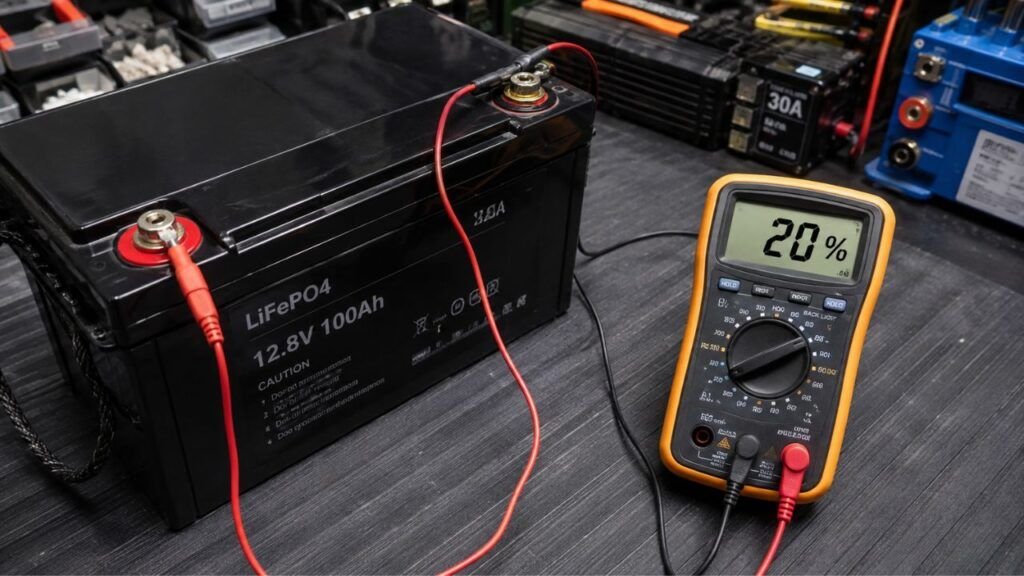
Check the Battery Periodically
Lithium batteries have low self-discharge, but they should not be forgotten completely.
Check the battery periodically during long-term storage.
Look at its state of charge and any BMS warnings.
Recharge it when your manufacturer’s storage instructions recommend doing so.
Pay Attention to Storage and Charging Temperature
Temperature matters just as much as charge level.
Extreme heat can accelerate battery aging.
Freezing temperatures can create charging problems.
If your golf cart sits inside a hot garage during summer, keeping the battery fully charged for months may increase unnecessary stress.
If you live in a cold climate, make sure the battery is warm enough before charging.
Can You Leave a Lithium Golf Cart Battery Plugged In During Freezing Weather?
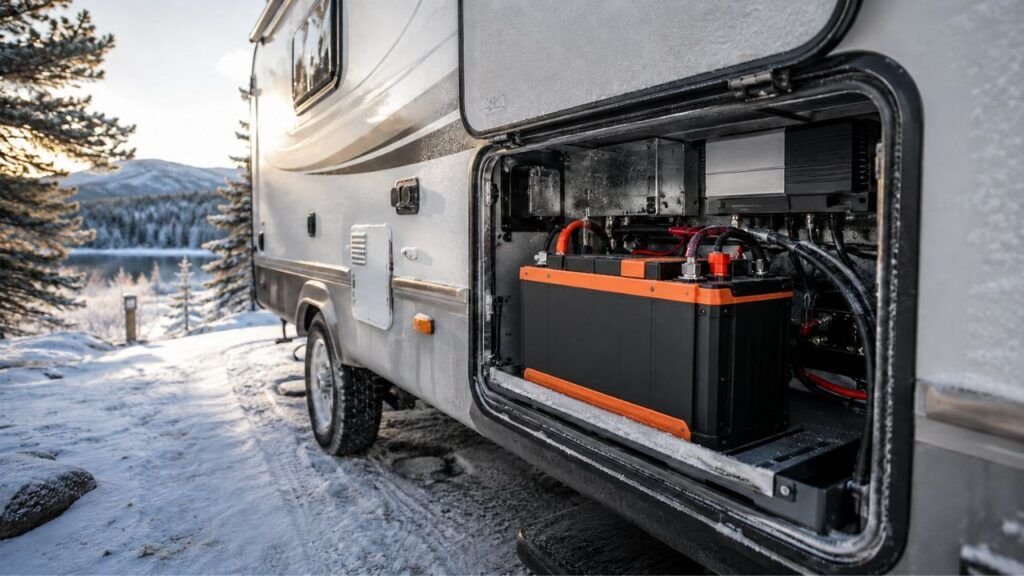
You should be especially careful about charging lithium golf cart batteries in freezing temperatures.
Many LiFePO4 batteries restrict charging when internal temperature approaches or falls below 32°F.
Charging very cold lithium cells can cause permanent internal damage.
Modern batteries may include low-temperature charging protection.
If the battery becomes too cold, the BMS may prevent charging.
Do not bypass that protection.
Some premium golf cart batteries include built-in heaters.
Those batteries may allow charging in colder environments once the cells are warmed sufficiently.
Follow the temperature specifications for your exact model.
An automatic charger does not override the battery’s temperature limits.
What If Your Golf Cart Was Converted From Lead-Acid to Lithium?
Lithium conversions deserve extra attention because the battery may be new while several original charging components remain installed. Confirm the entire charging system before adopting your old charging routine.
Do Not Assume the Original Charger Will Work
Your original charger may have been designed specifically for flooded lead-acid or AGM batteries.
Lithium batteries require a different charging profile.
Even if both systems are labeled 48V, that does not guarantee compatibility.
Check the actual charger model.
Then confirm whether your lithium battery manufacturer approves it.
Check the Onboard Charger After a Lithium Conversion
Some golf carts use onboard chargers.
Others use external chargers connected through the factory receptacle.
During a lithium conversion, confirm whether the original charger was:
- Replaced
- Reprogrammed
- Updated
- Specifically approved for lithium
Do not assume the conversion company handled this unless you know it was included.
Do Not Use Lead-Acid Equalization or Desulfation Modes
Some lead-acid chargers include equalization or desulfation functions.
Those charging modes are designed for lead-acid battery maintenance.
They are not lithium maintenance features.
Avoid using them unless your lithium battery manufacturer specifically approves the charger and its operating modes.
How Can You Tell Whether Your Golf Cart Charger Is Safe to Leave Connected?
Before leaving your cart connected after charging, confirm that the charger actually belongs with your battery system.
Check the following:
- Battery chemistry compatibility
- Correct pack voltage
- Recommended charging voltage
- Approved charging current
- Automatic charge termination
- Manufacturer charger approval
- Battery temperature limits
- Charger error indicators
- Proper BMS communication when required
- Undamaged charging cables
- Clean charging connectors
- Correct charger model
Do not rely only on marketing words such as “smart charger.”
A charger can be smart and still be wrong for your battery.
Compatibility matters more than the label.
A Simple Lithium Golf Cart Charging Routine
You do not need to make lithium charging complicated. A consistent routine usually gives you reliable range while avoiding unnecessary battery stress.
- Park the golf cart and switch everything off.
- Check the battery gauge or battery-monitoring app.
- Look for any charging or temperature warnings.
- Inspect the charger cable and connector.
- Connect the approved lithium-compatible charger.
- Allow the normal charging cycle to finish.
- Confirm the charger shows charging is complete.
- Disconnect it when your manufacturer recommends doing so.
- Use a separate storage routine for long periods.
If your battery manual gives a particular charging sequence, follow that sequence instead.
Manufacturer instructions should always take priority.
Common Mistakes When Leaving a Lithium Golf Cart on the Charger
Most charging problems come from incorrect assumptions rather than lithium chemistry itself.
Common mistakes include:
- Assuming the BMS makes every charger compatible
- Leaving an unknown charger connected indefinitely
- Using an old lead-acid charger after converting to lithium
- Running lead-acid desulfation modes on a lithium battery
- Assuming every lithium battery has identical charging limits
- Keeping the battery full for months in extreme heat
- Charging below the battery’s minimum temperature
- Ignoring parasitic electrical loads during storage
- Ignoring charger fault lights
- Repeatedly resetting a BMS charging fault
- Assuming “plugged in” always means “actively charging”
- Using generic storage percentages instead of manufacturer guidance
Avoiding these mistakes usually matters more than worrying about whether the charger stayed connected an extra hour.
Final Verdict
A golf cart lithium battery can often stay plugged in for a short period after charging when you use the correct automatic charger and the manufacturer permits it.
However, I would not treat that as permission to leave every lithium golf cart connected continuously.
Your best rule is simple.
For everyday charging, use the approved charger and allow it to finish normally. If the manufacturer recommends unplugging afterward, disconnect it.
For long-term storage, follow the battery’s storage charge, temperature, and shutdown instructions instead of leaving the charger connected by default.
That gives you the convenience of lithium without unnecessarily stressing the battery.
Related FAQs
Can I Leave My Lithium Golf Cart Plugged In Overnight?
You can often leave a lithium golf cart plugged in overnight when its manufacturer approves this practice and you use the correct automatic charger. However, some battery manufacturers recommend disconnecting immediately after charging, so check your manual first.
Should I Unplug My Lithium Golf Cart Once It Reaches 100%?
You should unplug it if your battery manufacturer recommends doing so. Some systems allow short continued connection after reaching 100%, while others are designed to be disconnected when charging finishes.
Can a Lithium Golf Cart Battery Be Overcharged With a BMS?
A BMS helps prevent dangerous overvoltage conditions, but it does not make overcharging impossible under every circumstance. A defective or incompatible charger can still create problems, so always use the correct charger.
Do LiFePO4 Golf Cart Batteries Need Float Charging?
LiFePO4 golf cart batteries generally do not require traditional continuous float charging like lead-acid batteries. Their low self-discharge allows them to remain unused without constantly receiving maintenance charging.
Should I Charge My Lithium Golf Cart Battery After Every Use?
You can charge after every use, especially when you need maximum range the next day. However, lithium batteries handle partial charging well, so every short trip does not necessarily require an immediate full recharge.
Can I Use My Old Golf Cart Charger After Switching to Lithium?
Only use your old charger if the lithium battery manufacturer specifically confirms compatibility. Matching the cart’s voltage alone does not guarantee the charger has the correct lithium charging profile.
Can I Leave My Lithium Golf Cart Plugged In All Winter?
Leaving it plugged in all winter is usually unnecessary unless your battery manufacturer specifically recommends that storage method. Follow the recommended storage charge, temperature range, and periodic inspection schedule instead.
What Percentage Should a Lithium Golf Cart Battery Be Stored At?
There is no single storage percentage that works for every golf cart lithium battery. Many manufacturers recommend partial charge during long storage, while others provide different instructions for their battery design.
Why Does My Lithium Golf Cart Stop Charging Before 100%?
The battery may stop charging because of temperature protection, BMS limits, charger settings, cell imbalance, or inaccurate state-of-charge readings. Check for error messages before assuming the battery or charger has failed.

Ryan Carter writes practical battery guides focused on troubleshooting, everyday use, and smarter buying decisions. His experience with lithium batteries, RV and automotive power, and home backup systems helps readers choose reliable solutions with confidence.